
Interactive Projector Screen Paint
From $314.00
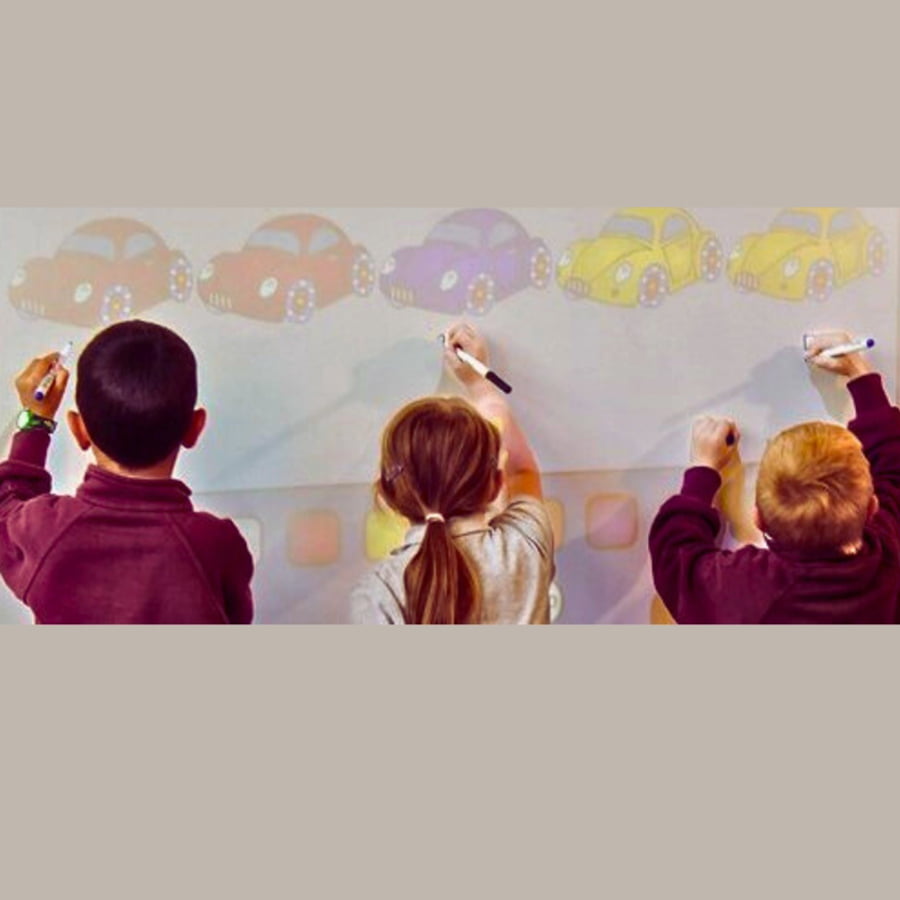
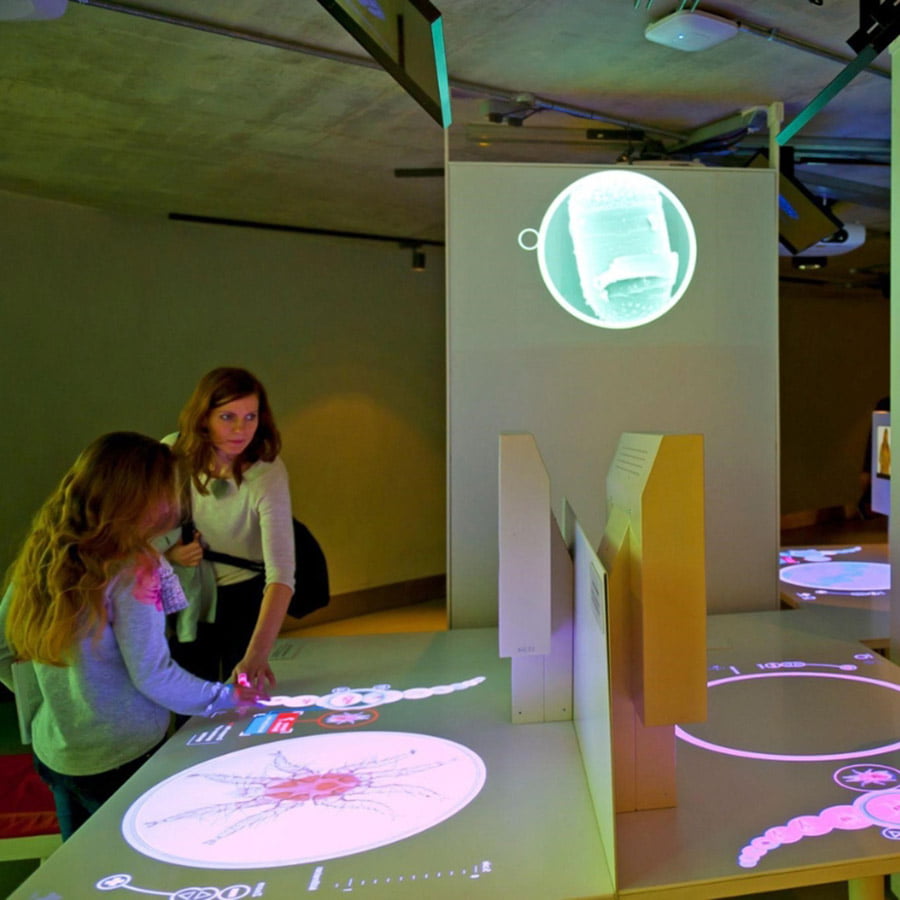
Interactive projector screen paint transforms ordinary walls into touch-responsive projection surfaces to enhance both learning experiences and collaborative work.
5-Year Guarantee
Touch Enabled
Eliminates hotspots
Use after 24 Hours
- Easy to clean, wipeable or washable
- Human touch-resistant surface
- Suitable surface: plaster, drywall, wood, metal, concrete, and composite materials
- Independent Projection Performance Report – CREST
Express delivery in 2-3 working days

Secured Transaction

Easy Returns

Free Shipping above CAD$164.00

Buy now, pay later with Stripe
If you are looking for this, you might also need…

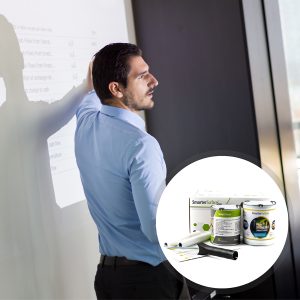
Why Choose Interactive Projector Screen Paint
Designed for spaces that need seamless, interactive projection with durability and clarity, without bulky screens.

Interactive Collaboration
Create touch-enabled projection surfaces for immersive learning without stains or damage.

Touch-enabled Projection
Touch-resistant and easy to clean - perfect for classrooms, offices, and meeting rooms.

Built for Touch Projectors
Specifically designed to work seamlessly with interactive touch screen projectors.

Clarity and Definition
Boosts pixel definition and image sharpness for projectors above 1,000 lumens.

Easy Application
Simple to apply on any flat surface, no bulky screens required. 3 coat application.
Technical Specifications
Product Colour
White
Product Finish
Matt
Odour
Very low
VOC
Less than 0.39%
Minimum Recommended Lumen Value:
1,000 Lumens
Performance
- 4K & 8K Ultra HD Ready
- Gain Value @ 90°: 1.25
- Viewing Angle: 140 degrees
Coverage/Volume:
- 48 sq ft (29.75 fl oz): 110” x 62” with 120” screen size at 16:9 Aspect Ratio
- 270 sq ft (169.07 fl oz): 262.6” x 147.6” with 301” screen size at 16:9 Aspect Ratio
What To Use With Interactive Projector Touch Screen Paint
Projector Requirements: Interactive Projectors
Leading projector brands: Epson, BenQ, Sony, Panasonic, LG, and Optoma
Lighting: works in rooms with normal to high levels of ambient light
48 sq ft
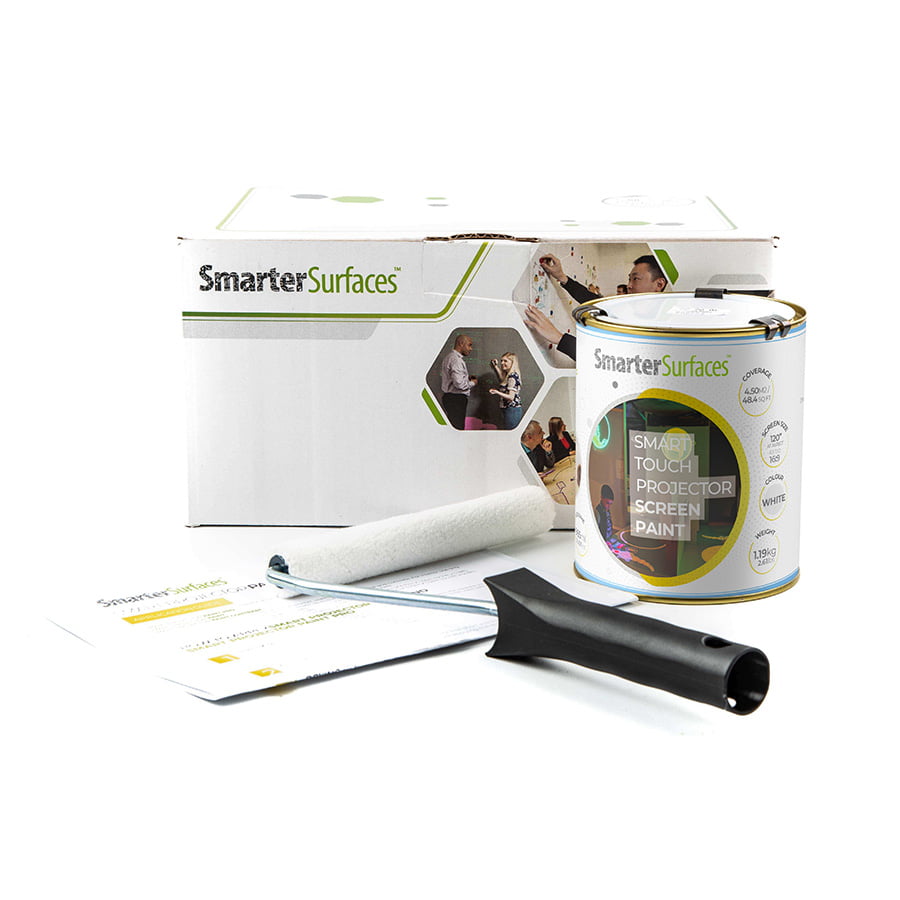
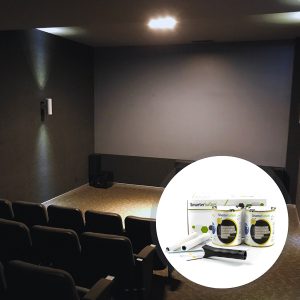
- 1 x Interactive Projector Screen Paint
- 1 x White Primer Tin
- 2 x Roller
- 1 x Roller Handle
- 1 x Application Guide
270 sq ft
- 1 x Interactive Projector Screen Paint
- 1 x Application Guide

Environmental
(exceeds all standards): low VOC, solvent free, PFOA & PFOS free and isocyanates free
Surface Quality
Gypsum Surface Finish Quality Standard of CA Level 5
Certification
Independent Projection Performance Report – CREST

Orders placed before 8:30 am ET (Monday-Friday) are processed the same working day. Orders placed after this time or during weekends will be processed on the next working day. Deliveries are handled by trusted third-party couriers, and all delivery times are estimated only.
Estimated Delivery (Working Days)
Canada:
- Express Delivery: 24-48 hrs
- Free Shipping on orders over CAD$164: 2-3 working days
View delivery times for other locations.
Use Cases

Offices
- Boardrooms
- Meeting rooms
- Brainstorming session
- Open Plan workspace

Education
- Interactive classrooms
- Immersive lessons
- STEM learning
- Library and Museum

Home
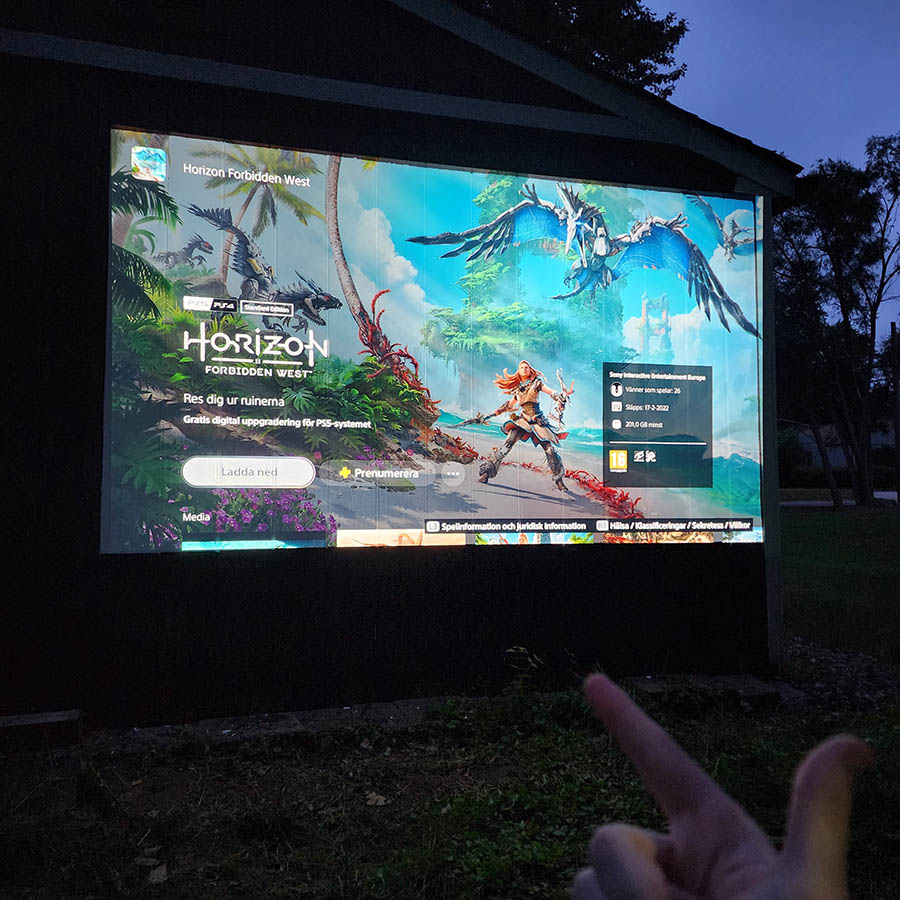
- Home cinema
- Media room
- Gaming room
- Study space

Commercial
- Interactive displays
- Simulation spaces
- Conference venues
- Exhibitions
Not sure if Interactive Projector Touch Screen Paint is right for you?
Not sure which product is right for you?
See how touch responsive wall paint for projector converts any wall into a high-clarity, touch-responsive projection surface for effortless engagement.
How to Apply Interactive Projector Screen Paint
Interactive Projector Screen Paint is intended for indoor use only and is applied in three simple steps.

Step 1 - Surface Prep
Make sure the wall is smooth, clean, dry, and free of dust for the best interactive results.

Step 2 - Apply Primer
Apply two coats of White Primer, allowing drying time between coats. Lightly sand for a smooth base.

Step 3 - Apply Paint
Once the primer has completely dried, proceed with applying two coats of Interactive Projector Screen Paint.

Step 4 - Dry Time
The paint will be touch-dry in 1 hour and usable after 24 hours
Watch Our Step-by-Step Video Application Guide
Suitable Surfaces
Transform any smooth surfaces into collaborative spaces
Drywall and Plasterboard
Concrete and Metal Surfaces
Wood Panels & MDF
Glass and Acrylic
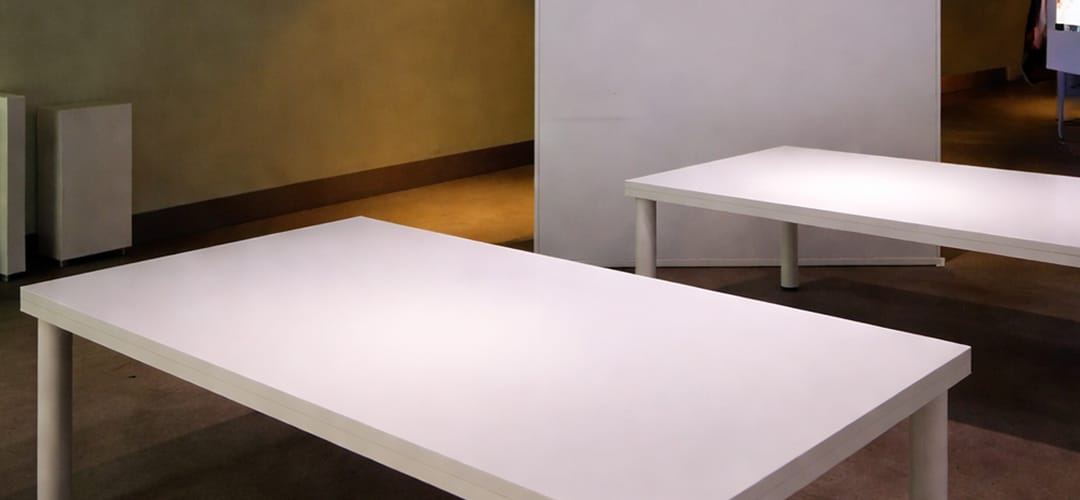
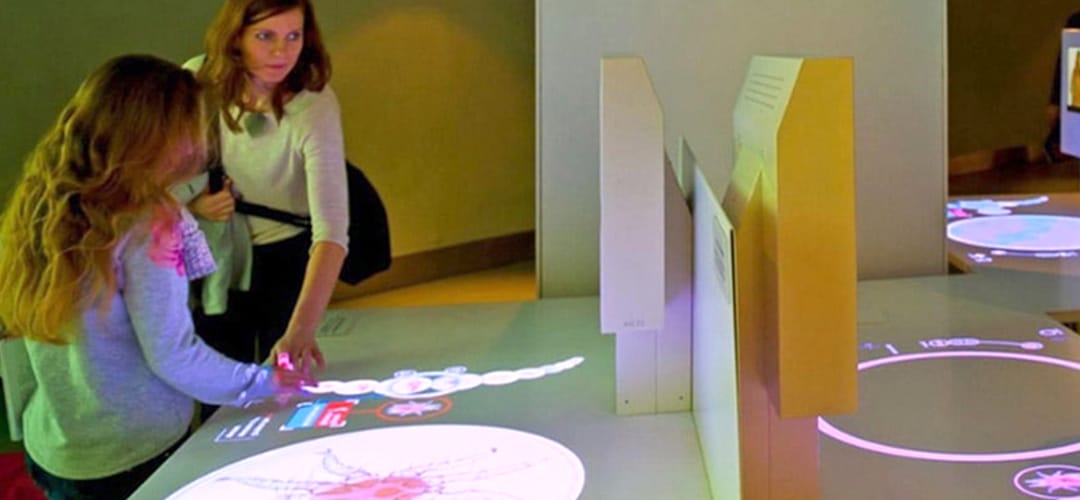
See the Transformation
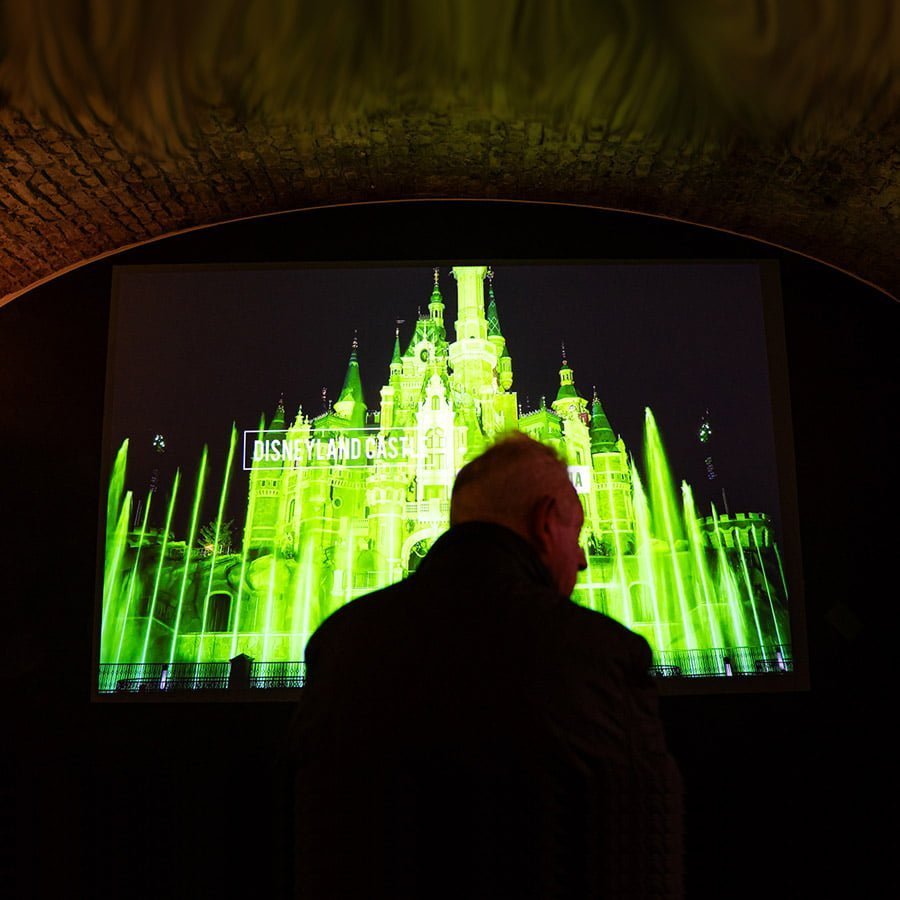
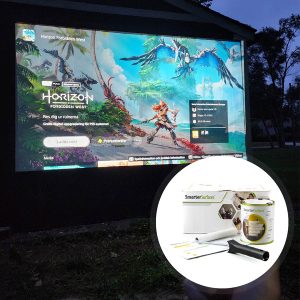
See the before and after of what was once a plain floor and how it has become an interactive projection surface.
Customer Testimonials
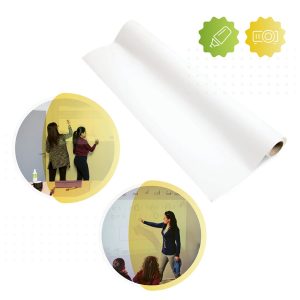
Discover how real users transformed plain floors into immersive interactive projection screen surfaces.

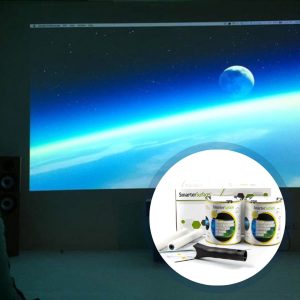
Case Studies
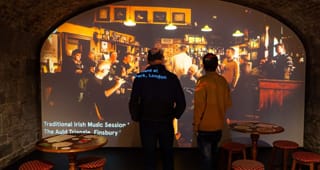
A look at case studies demonstrating eye-catching transformations to projection screen surfaces in different fields.


FAQ's
General Product Questions
What is the recommended lighting to use along Interactive Projector Screen Paint?
With Interactive Projector Screen Paint, it is recommended for use in. normal to high levels of ambient light.
What Is Gain Value and Why Does It Matter for Projector Screens?
Gain refers to a screen's ability to reflect and amplify the brightness of a projected image, measured against a standard matte white surface with a gain of 1.0. A higher gain reflects more light, producing a brighter image but with a narrower viewing angle. A lower gain reflects less light, resulting in a dimmer image but offering a wider viewing angle for larger audiences.
Gain matters because it directly impacts both image brightness and viewing quality. The right gain depends on factors like ambient light, screen size, projector brightness, and seating arrangement, all of which shape the ideal viewing experience.
Does a higher gain always mean a better image?
No, a higher gain projector screen doesn't automatically guarantee a better image quality. While it can provide a brighter image from certain angles, it may result in diminished brightness from other perspectives. Higher gain screens typically have a smaller viewing angle.
How do I determine the ideal gain for my projector screen?
The standard gain for a projector screen is 1.0, which ensures equal brightness from all sides and is visible from multiple angles. However, the ideal gain depends on the viewer's preferences and the specific environment. Consider the pros and cons of high and low gain screens to determine the best fit for your needs.
What are the pros and cons of high gain screens and low gain screens?
High gain and low gain screens each offer distinct advantages depending on your viewing environment and audience size.
High gain screens deliver bright, sharp visuals even in well-lit rooms by minimizing reflections from walls and ceilings, making them effective against ambient light. However, their narrower viewing angle reduces brightness for off-center viewers, making them less suitable for large audiences or outdoor use.
Low gain screens offer a wider viewing angle, diffusing light evenly so audiences enjoy a consistent image from any seat — ideal for controlled indoor spaces. The trade-off is reduced brightness and contrast, making them less suited for outdoor settings or rooms with strong ambient light.
Interactive Projector Screen Paint vs Regular Projection Paint: What's the Difference?
Regular projection paint creates a smooth, high-clarity surface for displaying projected images, ideal for presentations and viewing. Interactive projector screen paint does the same but is specifically optimized to work with interactive projectors, supporting touch and pen input for writing, annotation, and real-time collaboration.
How Does Interactive Projector Screen Paint Work?
The paint creates a smooth, high-clarity surface that reflects projected images crisply and evenly. When paired with an interactive projector, the projector's sensors detect touch or pen input on the painted wall, turning it into a responsive surface for writing, drawing, and collaboration.
Application & Usage
Where can Interactive Projector Screen Paint be used?
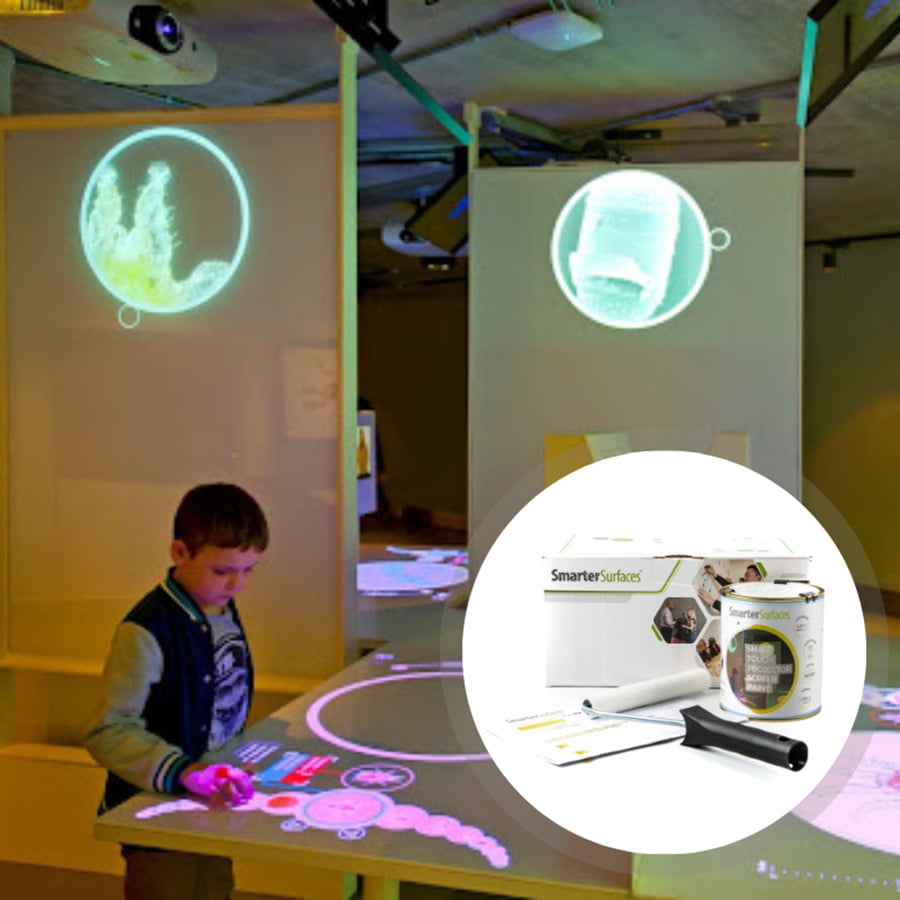
Interactive Projector Screen Paint is a solution for users looking to create an interactive projection screen for immersive learning or collaboration. Specially developed to be used with touch screen projectors, this interactive screen paint is suitable for classrooms, offices and meeting rooms. Its key feature is its resistance to human touch, staining and its cleanability.
Surface Prep & Priming
What surfaces can Interactive Projector Screen Paint be applied to?
Interactive Projector Screen Paint is suitable for use on any smooth surface such as plaster, wallboards, wood, metal concrete and composites. For interior use only.
Do I need to prime the surface before applying Interactive Projector Screen Paint?
Not necessary. We recommend applying Interactive Projector Screen Paint onto a previously primed or painted surface. Prime bare, untreated surfaces with one coat of White Primer
Cleaning & Maintenance
How do I remove the paint from the skin?
In case of contact with skin, rinse skin with warm soapy water.
What to do if I spill the paint?
Clean with water.
How can I clean my Interactive Projector Screen Paint?
Your surface can be wiped clean with a regular dry or slightly damp cloth. For stains use the Smarter Surfaces everyday cleaner.
Functionality & Performance
Why are Interactive Projector Screen Paint Acoustically Transparent?
The Sound Absorption Coefficient (SAC) measures how much sound energy a material absorbs when sound waves pass through it. Since SAC values vary with frequency, results are typically given as a range.
In our tests on a standard 12mm gypsum board, we recorded:
- Unpainted Board: α = 0.04 – 0.07
- Painted Board: α = 0.04 – 0.07
The identical results show no deviation between the unpainted and painted surfaces confirming that our Projection Paints are fully acoustically transparent and don't affect the sound performance of the wall.
How is Interactive Projector Touch Screen Paint ‘Polarity Preserving’?
3D projectors display two slightly different polarized images that combine through special 3D glasses to create depth, one image for each eye. For this to work, the screen must not alter the polarity of the projected light.
All our paints are polarity preserving, meaning they maintain the original polarization of the projected images, ensuring a sharp, accurate, and fully immersive 3D viewing experience.
Does the Interactive Projector Screen Paint work well with both 2D and 3D Projectors?
Our entire range of paints is compatible with both 2D and 3D projectors, ensuring optimal performance regardless of the projection mode. When projecting a 3D image onto our paint, it seamlessly delivers the intended effect, creating an immersive viewing experience when paired with 3D glasses.
Does the Interactive Projector Touch Screen Paint work with blended projections?
Yes, our Interactive Projector Touch Screen Paint is ideal for blending multiple projections into a single, seamless display. Designed with precise color accuracy, uniform brightness, and excellent light diffusion, it ensures smooth transitions between projected images for a cohesive, immersive result.
It's a perfect choice for art installations, theatres, and large-scale presentations, eliminating the need for bulky, expensive screens. Simply transform any wall into a flexible, cost-effective canvas where multiple projections blend harmoniously to captivate your audience.
Can you write on interactive projector screen paint?
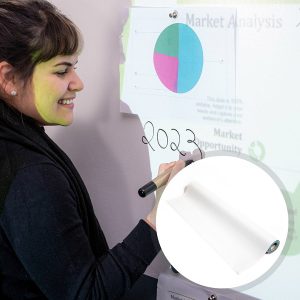
Yes, when paired with a compatible interactive projector, you can write, draw, and annotate directly on the surface using interactive pens or touch. The writing is digital, not physical, so the wall stays clean and ready for endless reuse.
How does interactive projector screen paint work?
Interactive Projector Screen Paint creates a smooth, high-clarity surface that reflects projected images sharply and evenly. When paired with an interactive projector, the projector's built-in sensors detect touch and pen input on the surface, turning any wall into a responsive, touch-enabled display for writing, drawing, and collaboration.
Is the projector screen paint touch sensitive?
The paint itself isn't touch sensitive. Touch interactivity comes from the interactive projector paired with it. The projector's sensors detect finger or pen input on the painted surface, turning the wall into a fully responsive, touch-enabled display.
Safety & Environmental
Is Interactive Projection Screen Paint safe?
Yes, Interactive Projection Screen Paint is completely safe to use. It has low VOC, is solvent free, PFOA & PFOS free, and isocyanates free.
Interactive Projector Screen Paint meets the highest environmental standards. As with any paint product, we recommend wearing gloves during application.
Is the Interactive Projector Touch Screen Paint isocyanate-free?
The Interactive Projector Touch Screen Paint is 100% free of Isocyanates. Unlike some poorer quality products on the market, we do not use isocyanates in our touch projector screen paint or any of our products, which is a hazardous product and should only be used by trained professionals using rigorous safety procedures.
What personal protective equipment should I use when painting?
Use the gloves supplied in the kit while applying Interactive Projector Screen Paint. In addition, safety glasses should be worn. As with any painting process, ensure the room is ventilated.
Is the Interactive Projection Screen Paint flammable?
Interactive Projection Screen Paint is not flammable and is certified for fire performance, making it certified for use in schools and offices. This touch projector screen paint has a very high flashpoint above 158 degrees Fahrenheit.
Can Interactive Projector Screen Paint be applied around people?
Yes, it is completely safe to apply dry-erase paint around adults and children as it is certified as a VOC-free and low-odour product. Interactive Projector Screen Paint does not contain any isocyanates, which means it is extremely safe to use around people.
Featured Blogs Content
Your go-to resource for expert guidance on projector screen paints and coatings for any surface.