
Black Projector Screen Paint
From $314.00
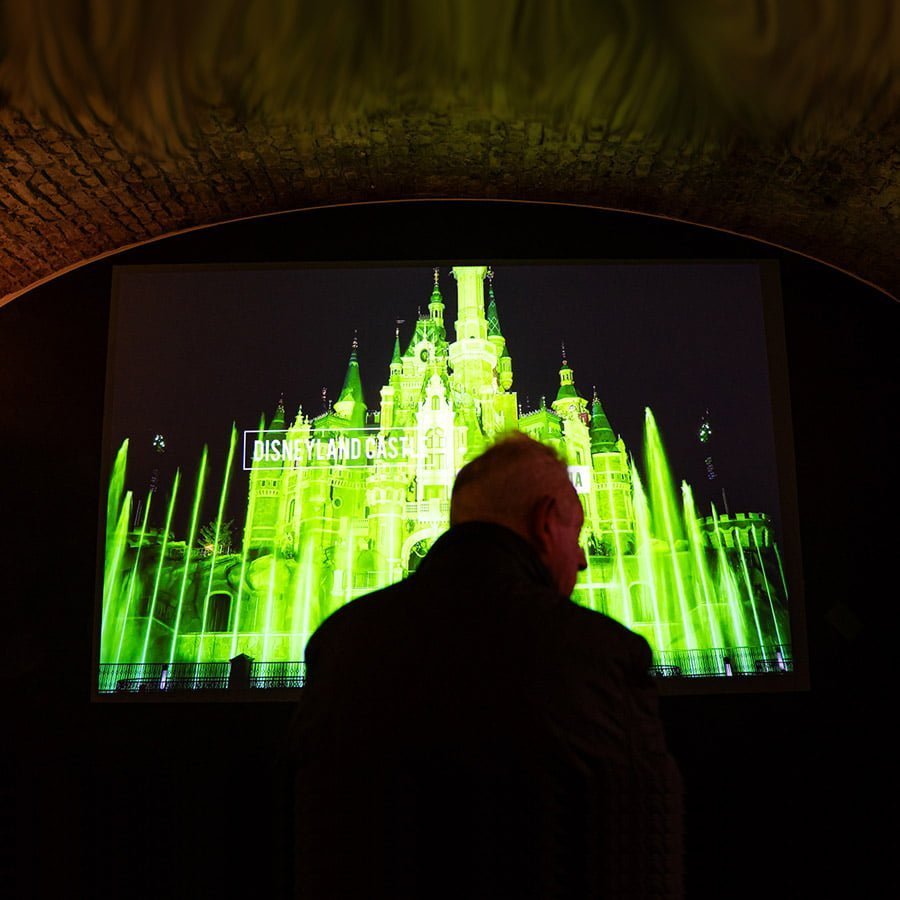
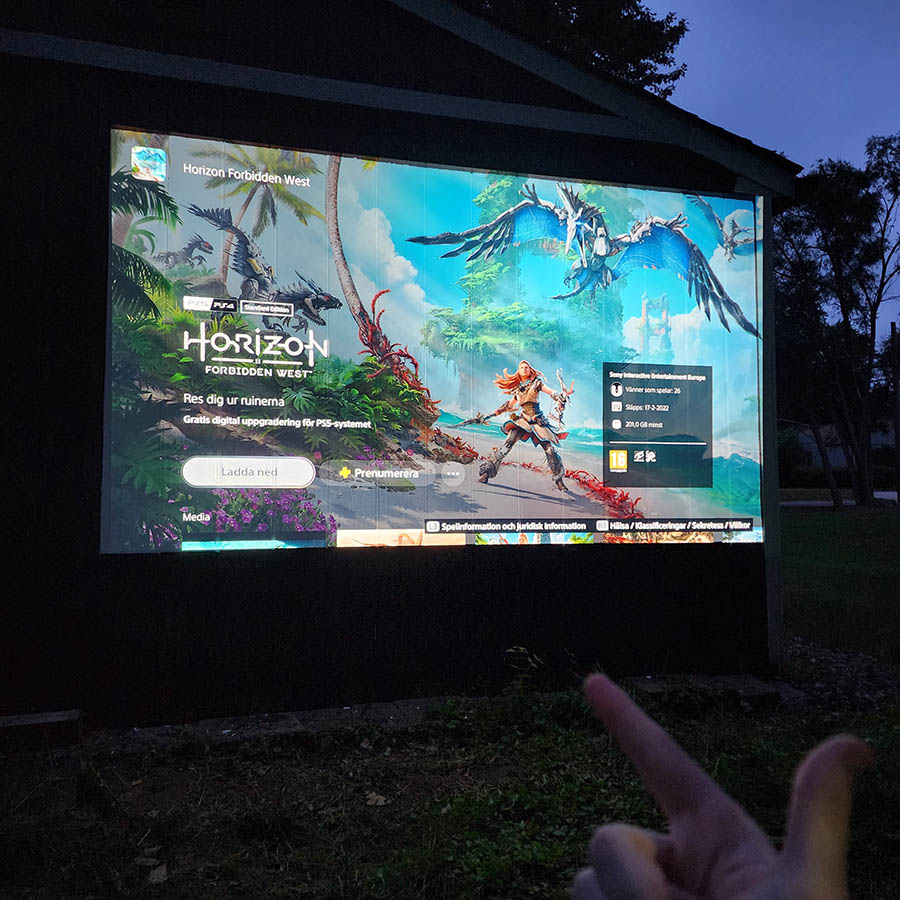
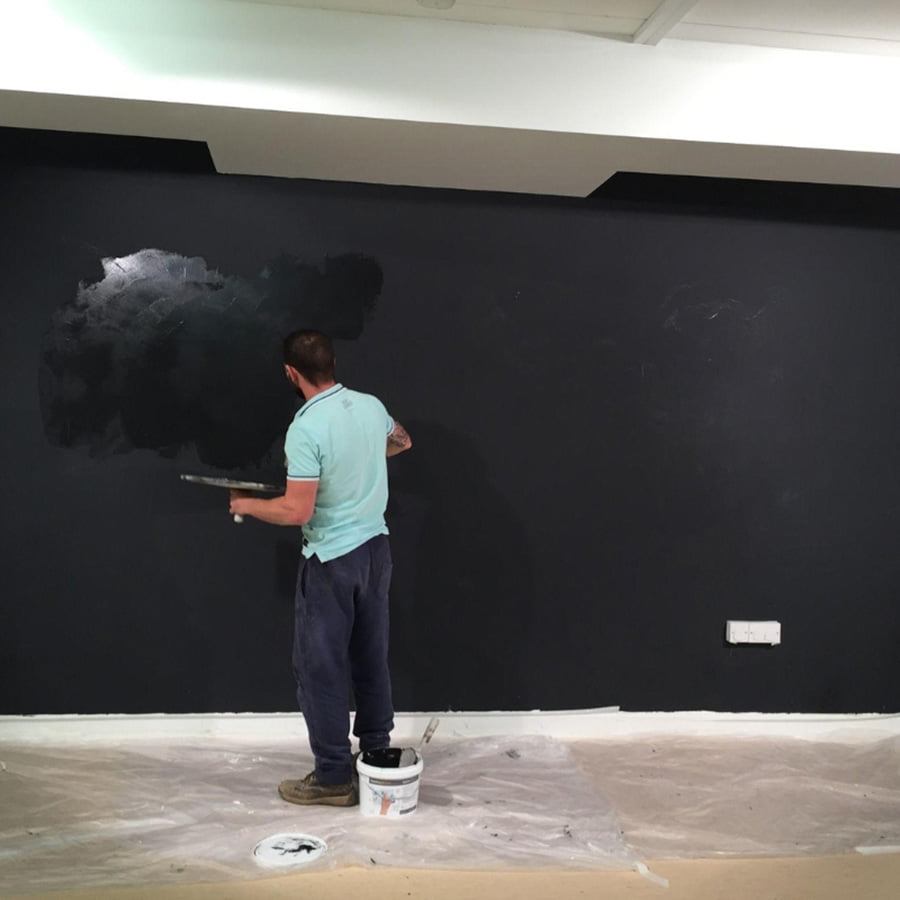
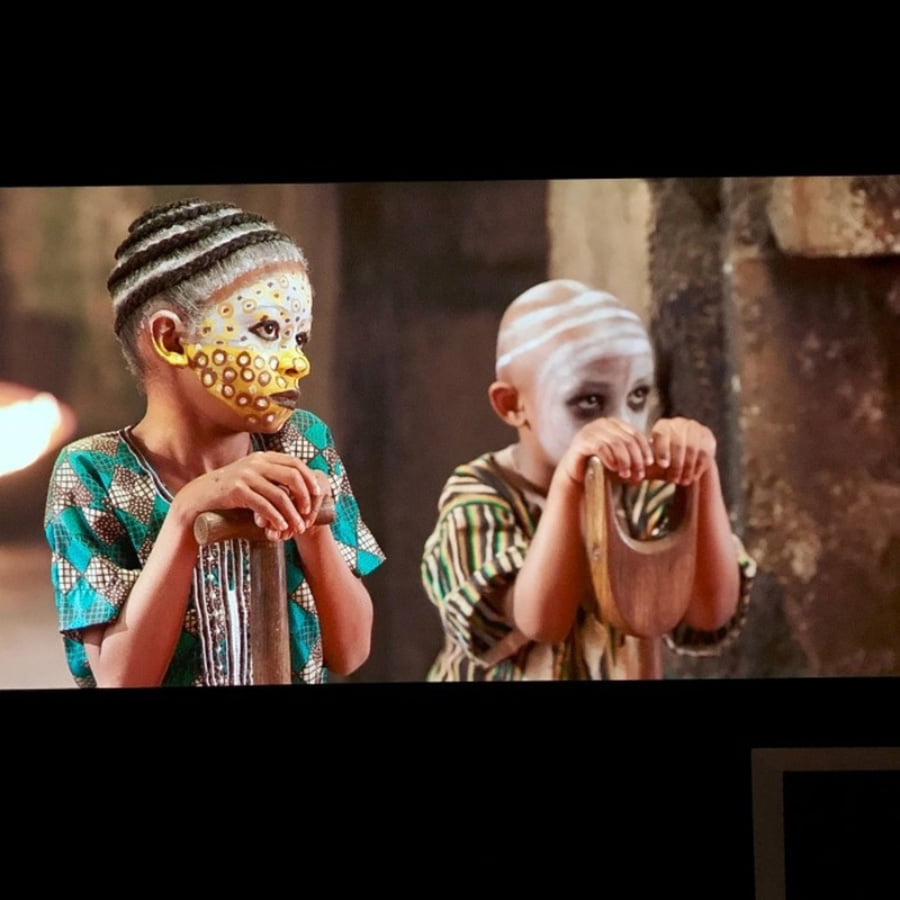
Black Projector Screen Paint turns any smooth wall into a projection surface, delivering deep black levels and exceptional contrast for immersive viewing in low-light spaces.
5-Year Guarantee
No Hotspots or Glare
Commercial Grade
Ready in just 24 Hours
- Designed for setups that require very low gain for optimal contrast
- Delivers rich black levels, enhanced contrast, and consistent image clarity
- Low VOC, solvent-free, PFOA and PFOS-free, and isocyanate-free
- Suitable for wallboards, plaster, wood, metal, concrete, and composite materials
Express delivery in 2-3 working days

Secured Transaction

Easy Returns

Free Shipping above CAD$164.00

Buy now, pay later with Stripe
If you are looking for this, you might also need…
Why Choose Black Projector Screen Paint
Engineered to deliver premium projection results in controlled lighting environments where contrast and black levels matter most.

Rich Black Depth
Enhances darker image areas with improved depth and clarity for an immersive view.

Dark Room Ready
Performs in dark environments where ambient light is limited, giving maximum visual impact.

High-Resolution
Supports HD, 4K, & 8K projection, keeping sharp image quality & true colour reproduction.

Flawless Projection
Provides a smooth and even finish that minimizes reflections and eliminates hotspots.

Ultra Matt Finish
Advanced matte coating improves pixel definition and sharpness for a refined viewing surface.
Technical Specifications
Colour: Black
Finish: Matt
VOC: Less than 0.13%
Odour
Very Low
Viewing Angle
140 degrees
Minimum Recommended Lumen Value
2,500 Lumens
Projector Requirements
HD, 4K, and 8K Projector
Lighting
Works in very dark rooms
4K & 8K Ultra HD Ready
Gain Value @ 90 °:
0.20
Screen Size/ Coverage/Volume :
- 48 sq ft: 10 ft / 9.16 ft x 5.16 ft at 16:9 Aspect Ratio, 29.75 fl oz
- 270 sq ft: 25 ft / 21.88 ft x 12.3 ft at 16:9 Aspect Ratio, 155.54 fl oz
Designed, developed, and tested with top projector brands including Epson, BenQ, Sony, Panasonic, LG, and Optoma
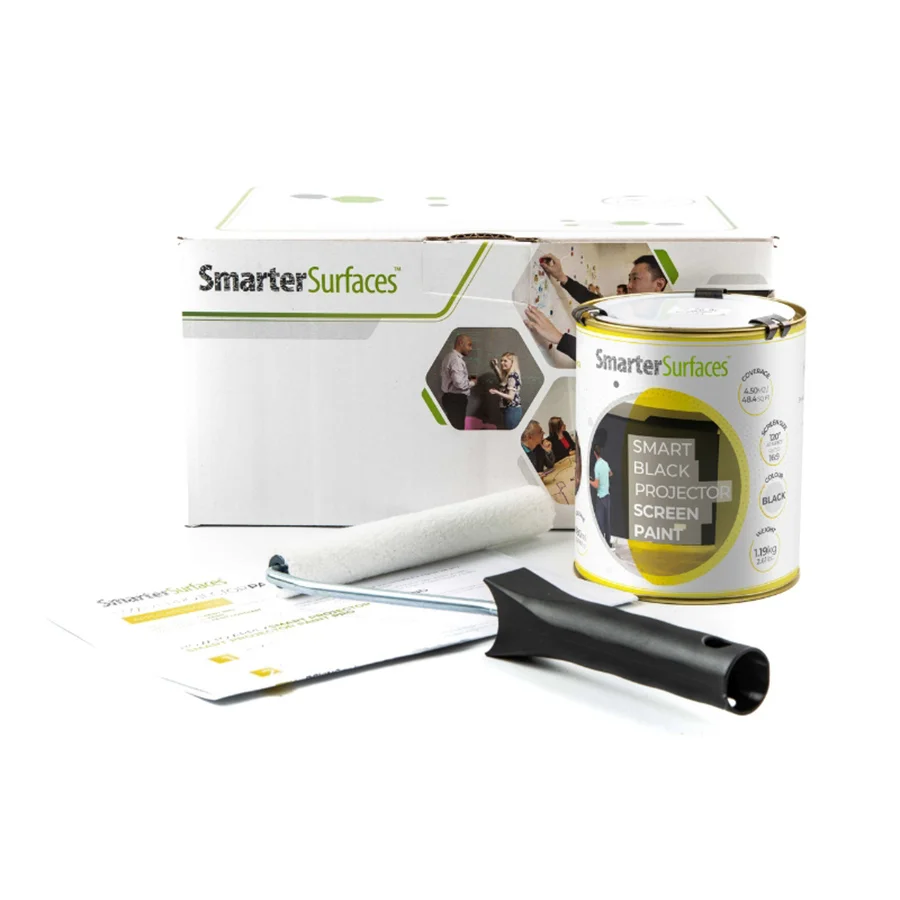
48 sq ft
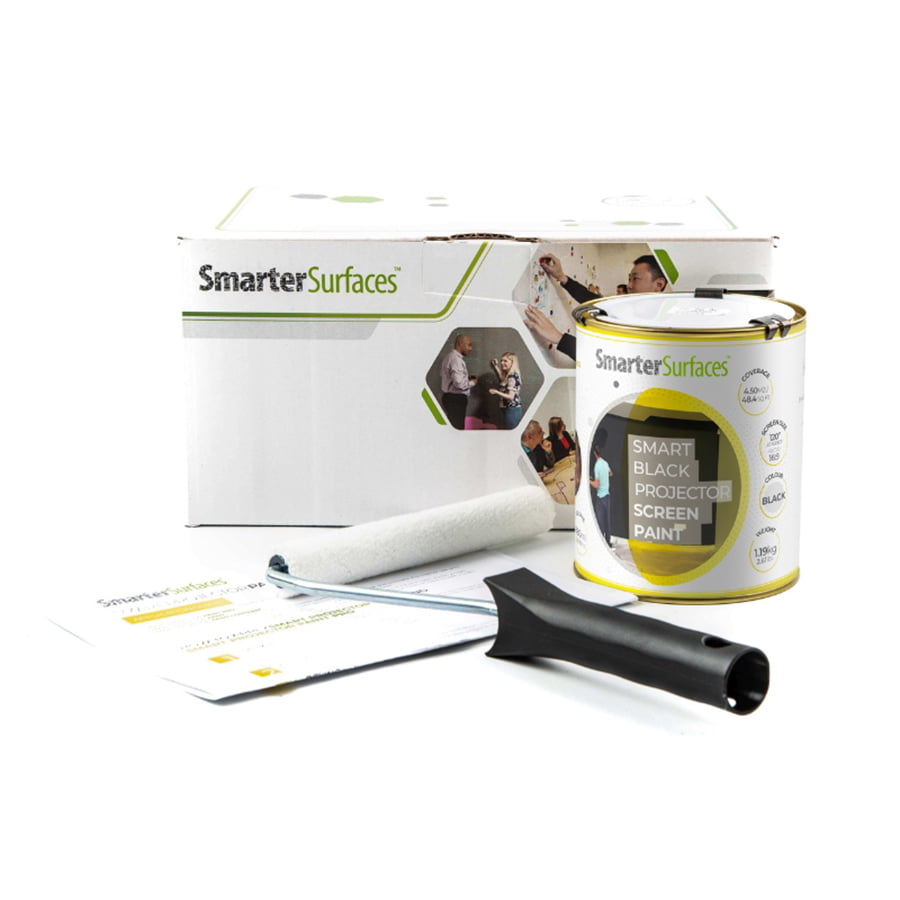
- 1x Black Projector Screen Paint
- 1x roller
- 1x roller handle
- 1 x application guide
270 sq ft
- 1x Black Projector Screen Paint
- 1 x application guide

Certification
(exceeds all CA standards): low VOC, solvent-free, PFOA & PFOS-free and isocyanate-free
Surface Quality
Gypsum Surface Finish Quality Standard of CA Level Q4/ CA Level 5
Performance
Independent Projection Performance Report – CREST

Orders placed before 8:30 am ET (Monday-Friday) are processed the same working day. Orders placed after this time or during weekends will be processed on the next working day. Deliveries are handled by trusted third-party couriers, and all delivery times are estimated only.
Estimated Delivery (Working Days)
Canada:
- Express Delivery: 24-48 hrs
- Free Shipping on orders over CAD$164: 2-3 working days
View delivery times for other locations.
Use Cases

Offices
- Boardrooms
- AV rooms
- Briefing rooms
- Presentation spaces

Education
- Lecture theatres
- College AV suites
- Seminar rooms
- Film studies rooms

Commercial
- Museum displays
- Gallery & event spaces
- Immersive installations
- Exhibitions

Home
- Home theatres
- Gaming dens
- Loft cinema rooms
- Media rooms
Not sure if Black Projection Screen Paint is right for you?
Speak with a product specialist before making a decision.
Create a projection surface tailored to your environment with Smarter Surfaces expert guidance based on your lighting conditions and projector setup.
How to Apply Black Projector Screen Paint
Follow these simple steps to create a high-quality projection surface for indoor use.

Step 1 - Surface Preparation
Ensure the surface is smooth, clean, and completely dry. Fill and sand any imperfections.

Step 2 - Apply Primer
Apply a suitable white primer on untreated or porous surfaces for better adhesion.

Step 3 - First Coat
Use a lint-free roller to apply the first coat evenly. Allow it to dry for 2 to 4 hours at 20°.

Step 4 - Second Coat & Cure
Apply the second coat for full coverage. The surface will be touch-dry within 1 to 2 hours and ready to use after 24 hours.
Watch Our Step-by-Step Video Application Guide
Suitable Surfaces
Walls and Panels
Concrete and Plaster
Wood Surfaces
Metal and Composites
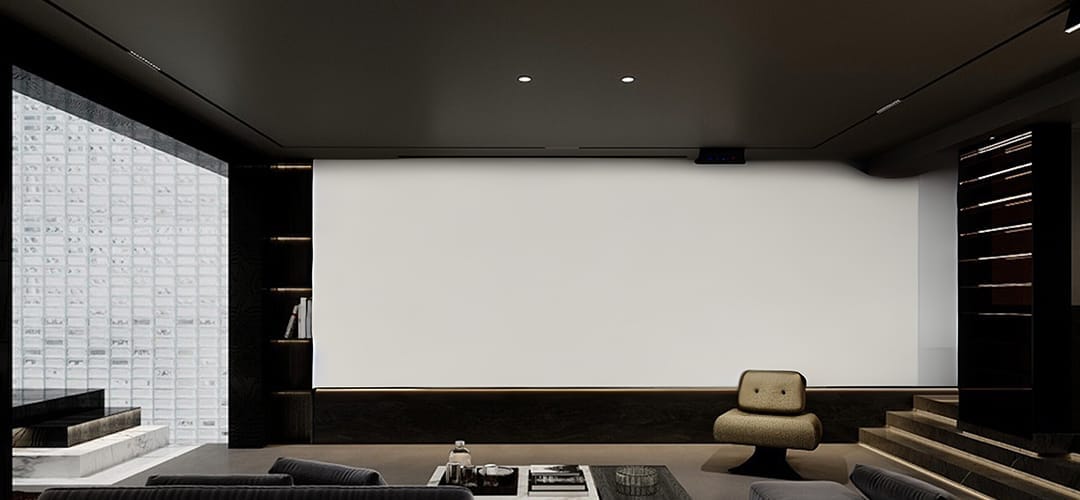
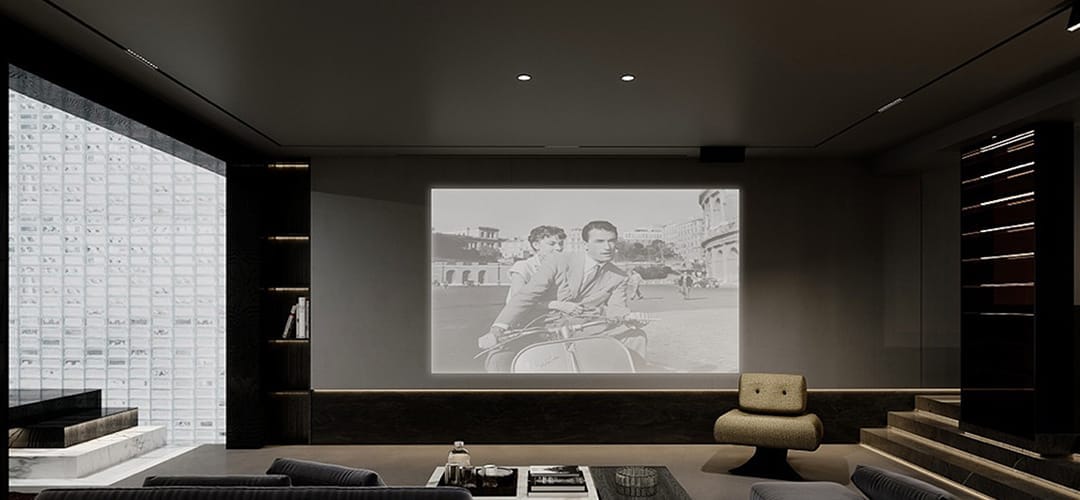
See the Transformation
See the difference in projection quality when upgrading from a standard wall surface.
Customer Testimonials
Discover how projection paint solutions enhance both commercial and residential projection environments.
Explore More Products From Smarter Surfaces
Case Studies
See how different spaces have been upgraded into professional projection environments using projector screen paints.


FAQ's
General Product Questions
Which types of projectors can be used with Black Projector Screen Paint?
Black Projector Screen Paint is compatible with most projectors that exceed 2500 lumens.
On which surfaces can Black Projector Screen Paint be applied?
Black Projector Screen Paint can be applied to plaster, wall boards, wood, metal, smooth concrete, and composites. It is suitable for application on fixed fabric surfaces and for refurbishing old screens. It is not advised for roll-up screens.
It is for indoor use only. For outdoor projections, use Smarter Surfaces Outdoor Projection Paint.
Application & Usage
How Can I Use Black Projector Screen Paint?
After you apply Smarter Surfaces Black Projector Screen Paint to your wall using a roller or spray, it will be ready for projection once it is completely dry, which typically takes 24 hours. Simply set up your projector as needed and direct it toward the painted wall. Black Projector Screen Paint is compatible with most projectors that have over 2500 lumens. This paint is suitable for application on plaster, wall boards, wood, metal, or any smooth surface.
What personal protective gear should I wear while painting?
Wear the gloves provided in the kit during the application of Black Projector Screen Paint. Also, safety glasses are recommended. Ensure proper ventilation in the room during the painting process.
Surface Prep & Priming
Is it necessary to prime the surface before applying Black Projector Screen Paint?
We suggest applying Black Projector Screen Paint on a surface that has already been primed or painted. For bare, untreated surfaces, one coat of White Primer is recommended.
Cleaning & Maintenance
How can I maintain my ALR screen?
You can wipe your surface clean with a regular dry cloth or a slightly damp one.
Functionality & Performance
Does the Black Projector Screen Paint function effectively with blended projections?
In the realm of creating captivating and dynamic visual experiences, blending projections is a widely used method in various fields such as art displays, theaters, and extensive presentations. To ensure seamless and unified projections, selecting the right projection screen is essential. The projection screen paint presents an excellent option for blending multiple projections onto one surface. Its advanced formulation is tailored to enhance the blending process, yielding remarkable outcomes.
Successful blending requires precise colour fidelity, consistent brightness, and exceptional light diffusion to create smooth transitions between projected images. Smarter Surfaces projection screen paint was engineered considering these factors, enabling you to produce a cohesive and immersive visual display.
For larger screens, the black projector paint removes the necessity for heavy and costly physical screens, offering a more adaptable and economical alternative for blending projections. Transform any area into an engaging canvas where multiple projections can seamlessly merge, captivating your viewers.
What Makes the Projection Paints Acoustically Transparent?
The Sound Absorption Coefficient (SAC) measures how much sound a material absorbs. Tests on a 12mm gypsum board showed identical results for both unpainted and painted surfaces (α = 0.04-0.07), with values varying slightly by sound frequency. This confirms that Smarter Surfaces paints are acoustically transparent, as they do not affect sound absorption.
Is the Black Projector Screen Paint Effective for Both 2D and 3D Projectors?
Our complete collection of paints is designed to work seamlessly with both 2D and 3D projectors, ensuring peak performance no matter the projection mode. When a 3D image is projected onto Smarter Surfaces paint, it effortlessly renders the desired effect, creating an immersive viewing experience when used with 3D glasses.
What Does It Mean for Black Projector Screen Paint to be ‘Polarity Preserving’?
3D projectors function by projecting two slightly different images that overlap on the screen. These images pass through specialized optical filters, which cause the light to be polarized differently for each image. When viewing the two images through specific 3D glasses, each lens obstructs one of the images, so your left eye perceives one image while your right eye sees the other. Thus, the projection screen used mustn't alter the polarity of the light when utilizing a 3D projector. All of Smarter Surfaces paint products are "polarity preserving," meaning that the image displayed will maintain the same polarity as intended, preserving the complete 3D effect.
Safety & Environmental
Is Black Projector Screen Paint safe to use?
Yes, Black Projector Screen Paint is safe for application. It is low in VOCs, free of solvents, and does not contain PFOA, PFOS, or isocyanates.
Black Projector Screen Paint complies with the highest environmental standards and has been certified for both fire performance and VOC content. We recommend using the gloves included in the kit while applying the paint. As with any paint, wearing gloves during application is advisable.
Is Black Projector Screen Paint free from isocyanates?
Yes, Black Projector Screen Paint is completely free of isocyanates. Unlike lower-quality alternatives, we do not include isocyanates in the Black Projector Screen Paint or any of Smarter Surfaces products, as these can be hazardous and should only be handled by trained professionals under strict safety protocols.
What type of personal protective equipment should I use while painting?
When applying Black Projector Screen Paint, use the gloves provided in the kit. And, it is recommended to wear safety glasses. Ensure the area is well-ventilated during the painting process.
Is Black Projector Screen Paint flammable?
No, Black Projector Screen Paint is not flammable and has been certified for fire performance, making it suitable for use in schools and offices. It has a very high flashpoint, exceeding 158 degrees Fahrenheit.
Can I apply Black Projector Screen Paint in the presence of people?
Yes, it is entirely safe to use the best Black Projector Screen Paint around both adults and children, as it is certified VOC-free and has a low odour. Its formulation is free from isocyanates, ensuring it is very safe for use around individuals.
Featured Blog Content
Learn more about creating effective projection setups with expert tips and insights.