
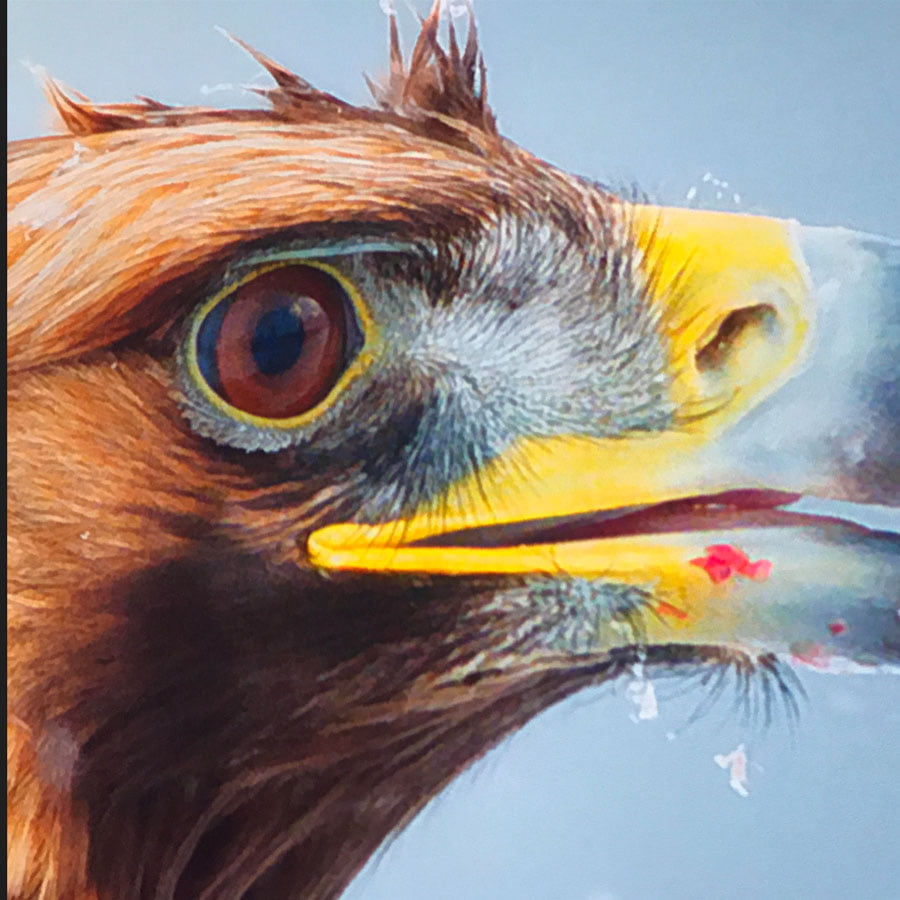
Ambient Light Rejecting Projector Screen Paint
From $299.00
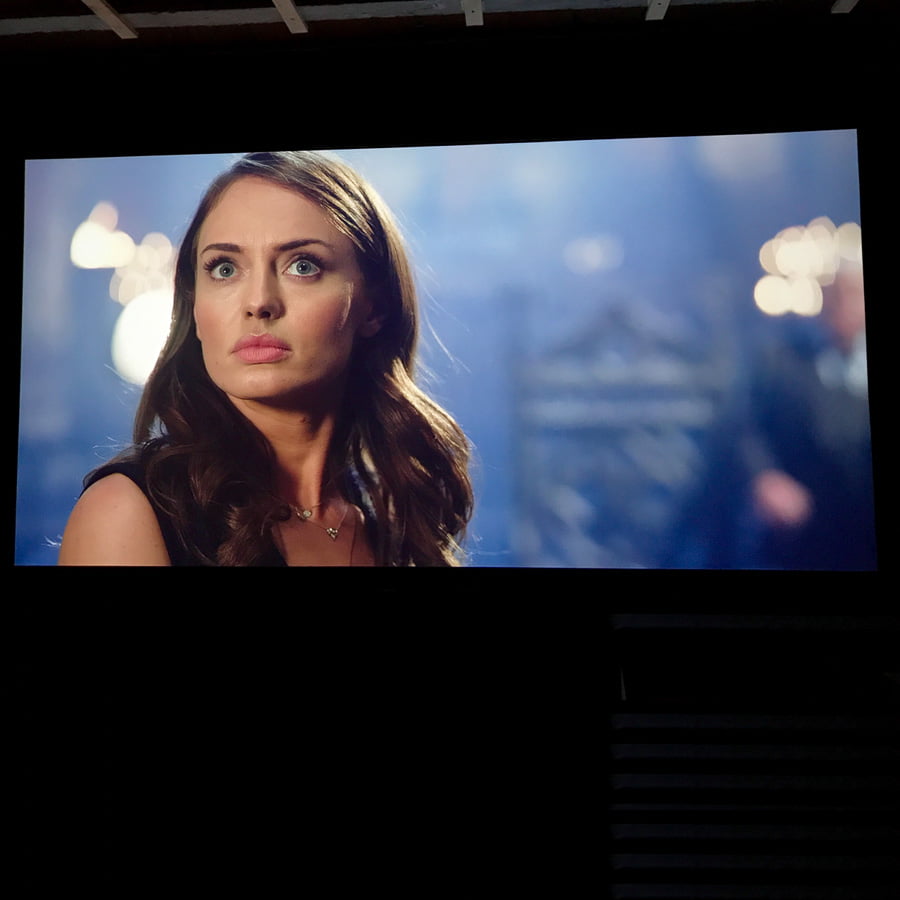
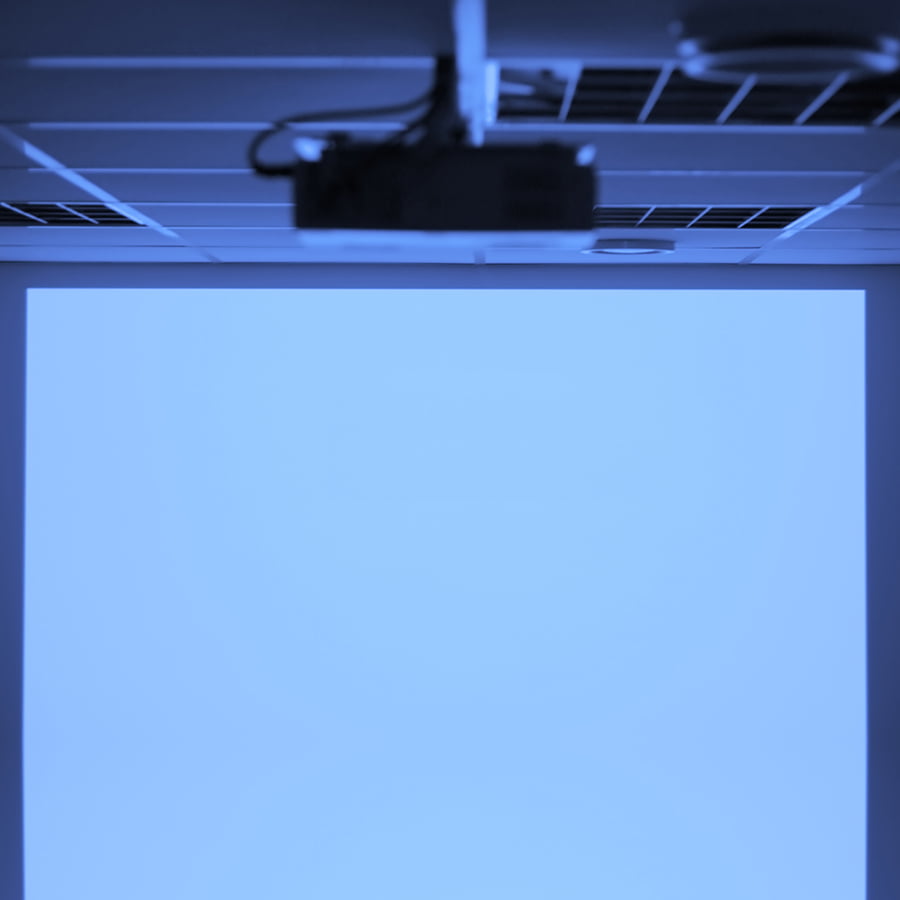
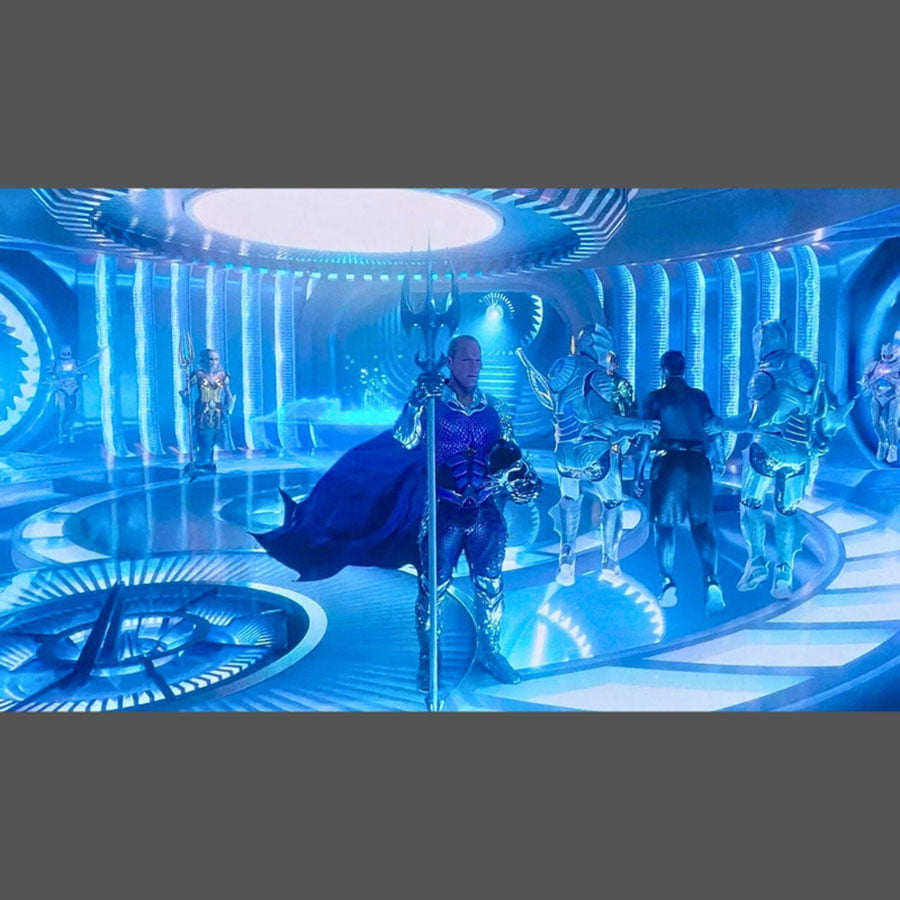
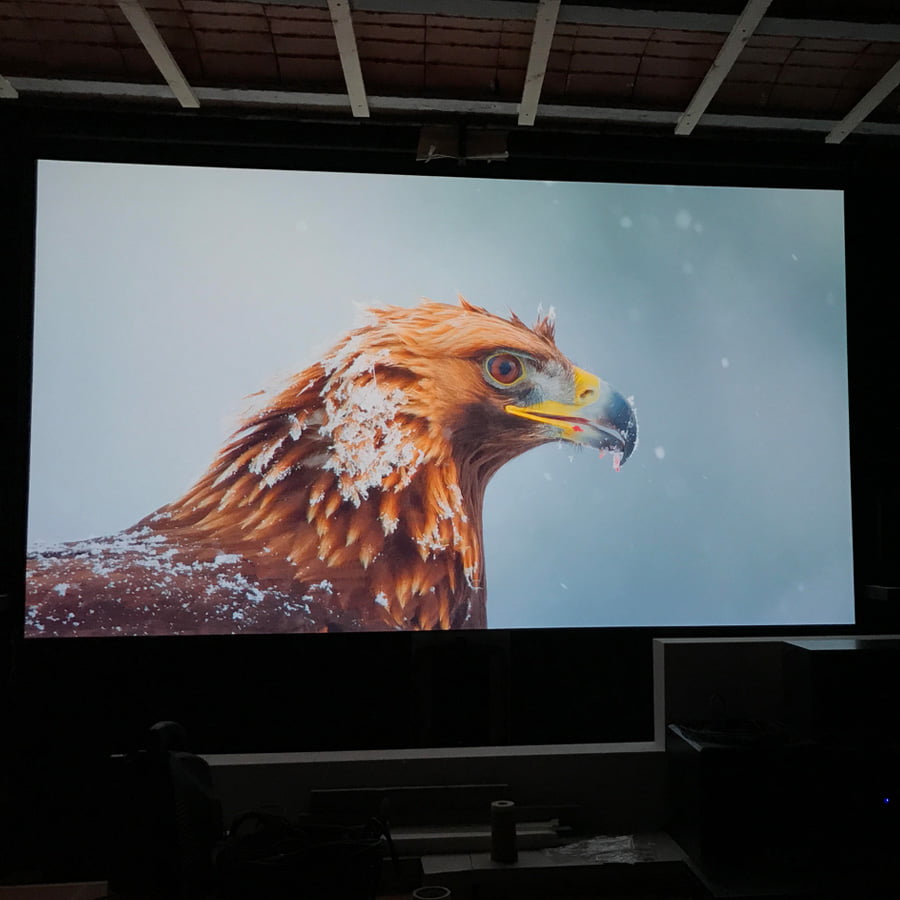
High-performing ALR paint designed to deliver sharp, high-contrast projection in rooms with ambient light, ideal for living rooms, gaming rooms, and home cinema setups.
5-Year Guarantee
4K and 8K Projection
Commercial-Grade
Ready to use in 24 Hours
- Improves image clarity by reducing glare and hotspotting.
- Ideal for rooms with normal to high ambient light
- Suitable for home theatre, gaming, and professional environments.
- Low VOC and solvent-free formulation for safer indoor application.
- Compatible with wallboards, metal, wood, plaster, concrete, and composites.
Express delivery in 2-3 working days

Secured Transaction

Easy Returns

Free Shipping above CAD$164.00

Buy now, pay later with Stripe
If you are looking for this, you might also need…
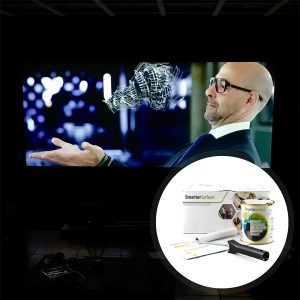
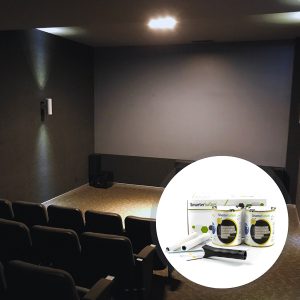
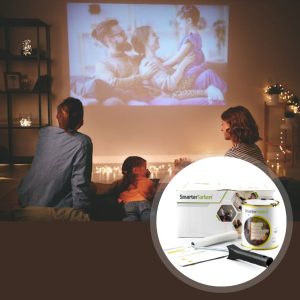

Why Choose Ambient Light Rejecting Projector Screen Paint
Built to offer a high-performance ALR screen paint that boosts image quality in bright environments.

Resist Unwanted Light
Reflect projector light toward the viewer while reducing interference from other light sources.

Sharp Image Quality
Boosts contrast & pixel definition, giving sharper visuals in movies, presentations, & gaming.

Reduced Glare
Minimizes unwanted reflections and glare, creating a more comfortable viewing experience.

Performs in Bright Rooms
Maintains strong projection quality in rooms with normal to high levels of ambient light.

Easy Application
Applies like standard paint to create a smooth projection screen on suitable surfaces.
Technical Specifications
Product Colour
Light Grey
Product Finish
Ultra Matt
VOC
Less than 0.33%
Odour
Very low
Projector Requirements
Interactive, HD, 4K, Standard Projectors
Minimum Recommended Lumen Value
2,000 Lumens
Lighting
Works in most rooms with normal to high ambient light
Performance
4K & 8K Ultra HD Ready
Gain Value @ 90 °: 0.71
Viewing Angle: 140 degrees
Screen Size/Coverage/Volume:
- 48 sq ft : 10 ft, 9.15 ft × 5.15 ft at 16:9 Aspect Ratio, 29.75 fl oz
- 270 sq ft: 25 ft, 21.88 ft × 12.30 ft at 16:9 Aspect Ratio, 169.07 fl oz
Developed, designed and tested for use with leading manufacturers such as Epson, BenQ, Sony, Panasonic, LG and Optoma Projectors
48 sq ft
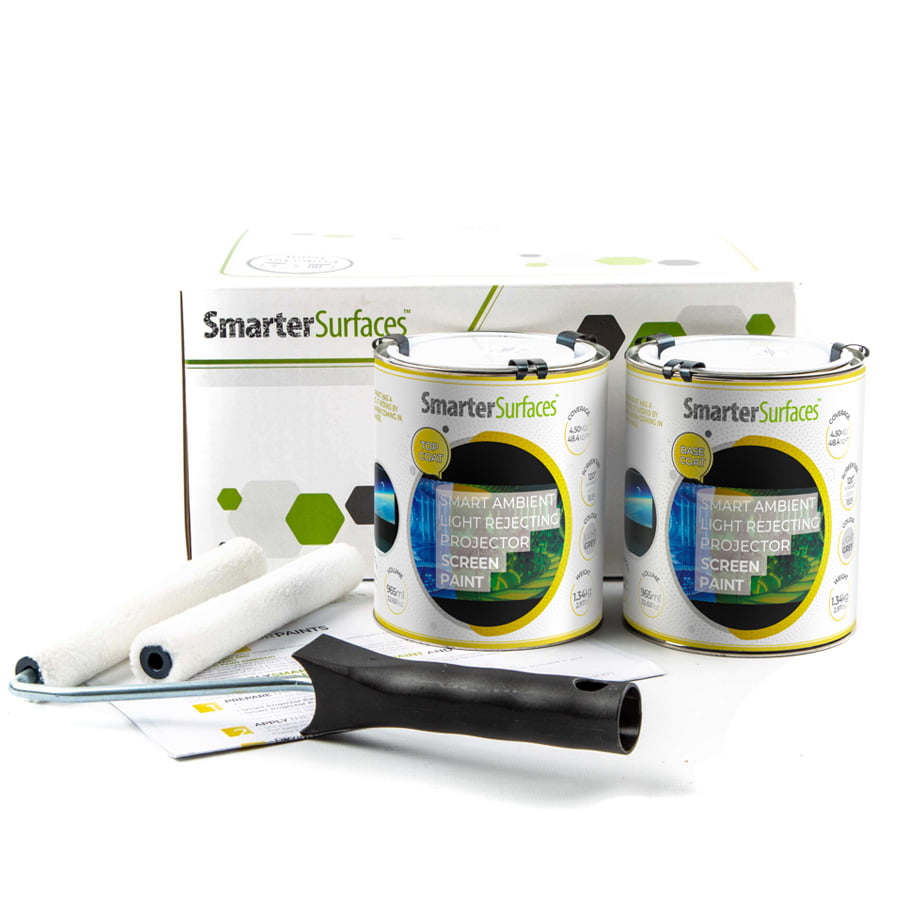
- 1x ALR Screen Paint
- 1x White Primer
- 1x Roller
- 1x Roller Handle
- 1x Application Guide
270 sq ft
- 1x ALR Screen Paint
- 1x Application Guide

Environmental
(exceeds all Canadian standards): low VOC, Solvent free, PFOA & PFOS free and Isocyanates free
Surface Quality
Gypsum Surface Finish Quality Standard of Level 5
Certification
Independent Projection Performance Report – CREST

Orders placed before 8:30 am ET (Monday-Friday) are processed the same working day. Orders placed after this time or during weekends will be processed on the next working day. Deliveries are handled by trusted third-party couriers, and all delivery times are estimated only.
Estimated Delivery (Working Days)
Canada:
- Express Delivery: 24-48 hrs
- Free Shipping on orders over CAD$164: 2-3 working days
View delivery times for other locations.
Use Cases

Home
- Home theatres
- Media rooms
- Multi-use spaces
- Living rooms

Gaming Rooms
- Console gaming
- Immersive gaming rooms
- Simulation setups
- PC gaming

Commercial
- Media rooms
- Exhibition centres
- Events & presentations
- Projection rooms

Hospitality
- Hotel lounges
- Streaming rooms
- Museums & galleries
- Immersive Dining
Not sure if Ambient Light Rejecting Projector Screen Paint is right for you?
Get an informed decision before making your purchase.
Get tailored advice based on your projector type, room lighting, and intended use. Smarter Surfaces experts can help you create an ALR projection surface suited to your space.
How to Apply Ambient Light Rejecting Projector Screen Paint
Follow these steps to achieve a smooth and high-performing projection surface.

Step 1 - Clean the Surface
Remove dust, grease, and any loose material to ensure proper adhesion.

Step 2 - Apply Primer
Use a white primer on untreated surfaces to create an even base.

Step 3 - Surface Preparation
Fill imperfections and sand to achieve a uniform finish before painting.

Step 4 - Paint & Cure
Apply two even coats of ALR paint using a lint-free roller. Allow drying between coats. The surface will be ready within 24 hours.
Watch Our Step-by-Step Video Application Guide
Suitable Surfaces
Smooth, rigid walls prepared with the appropriate primer for a uniform projection finish.
Walls and Wallboards
Concrete and Plaster
Wood and Furniture
Metal and Smooth Surfaces
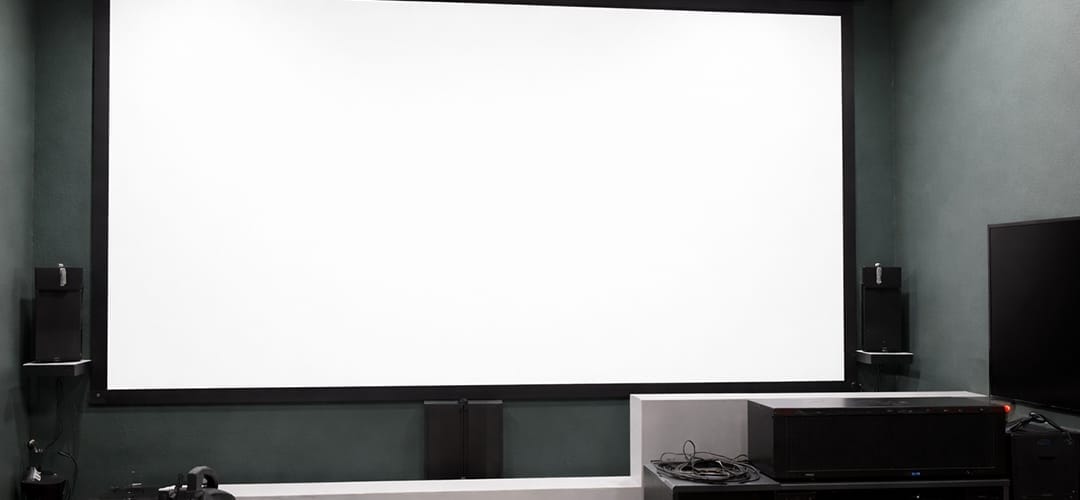
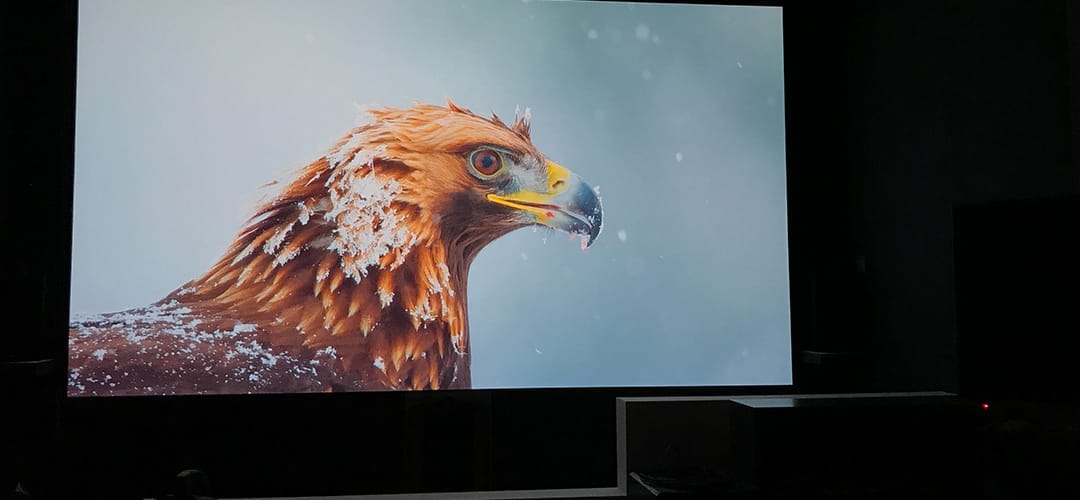
See the Transformation
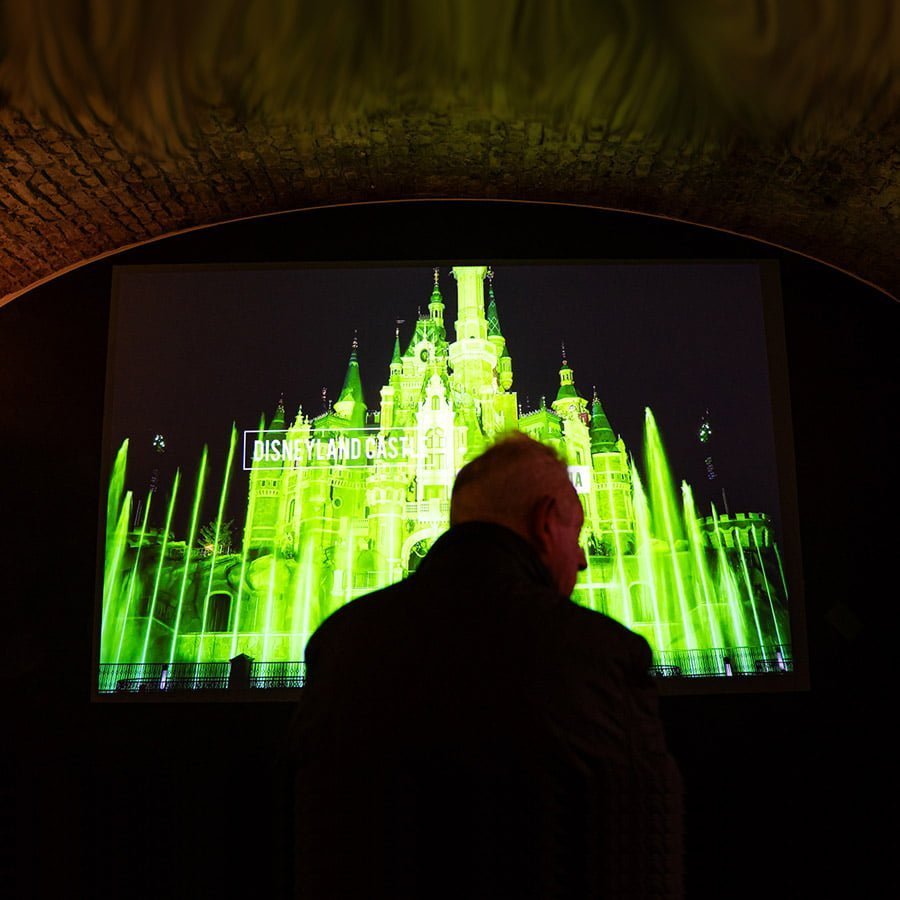
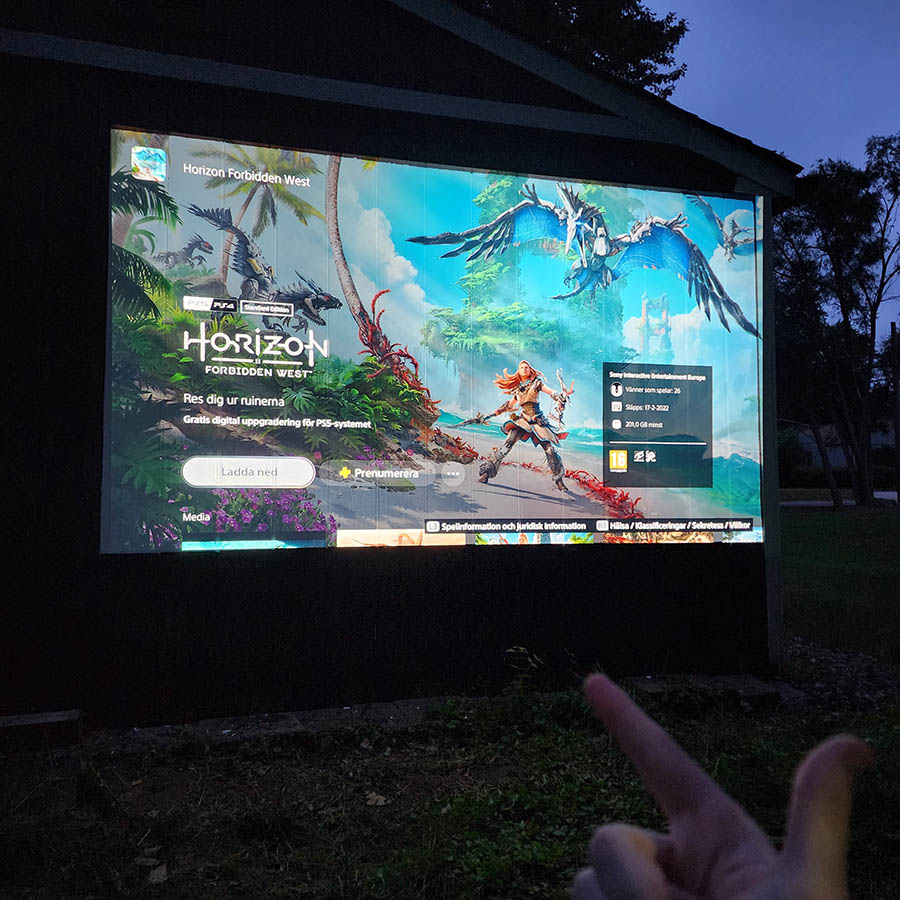
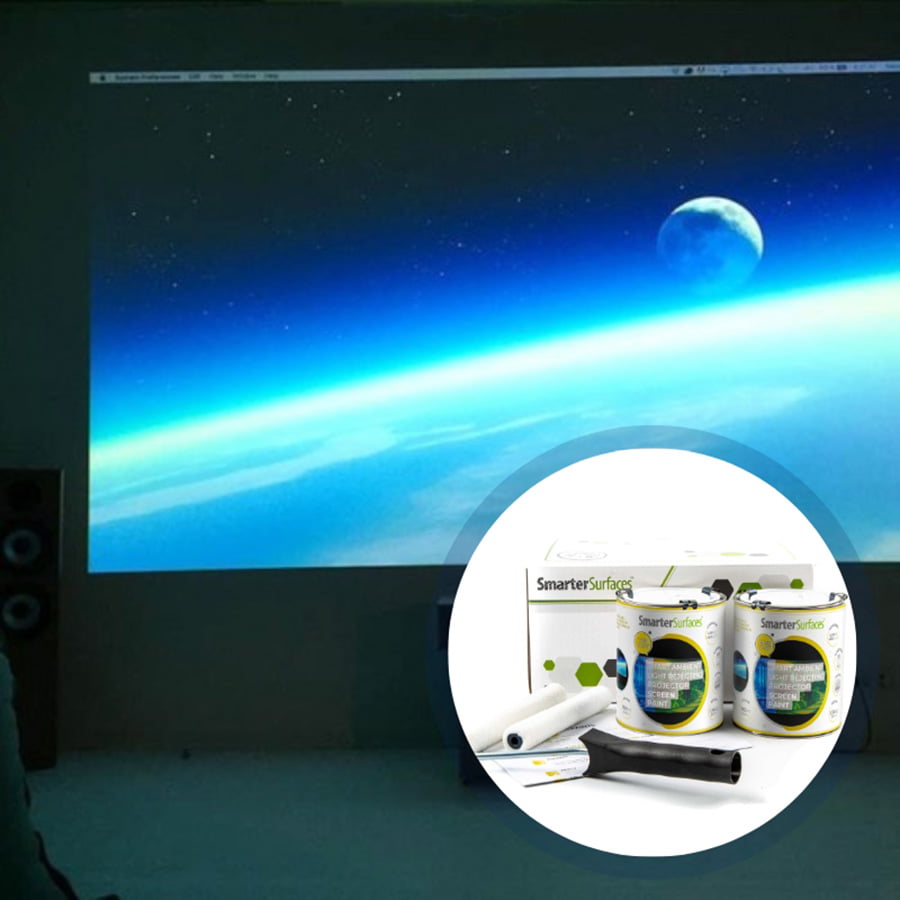
View real-world examples of ambient light rejecting projector screen paint in action.
Customer Testimonials
Discover how residential and commercial users improve projection quality using ALR screen paint.
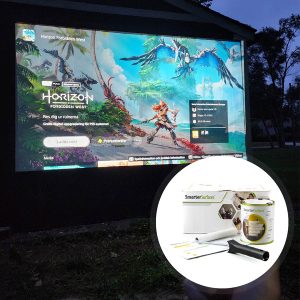
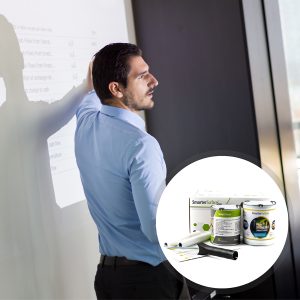
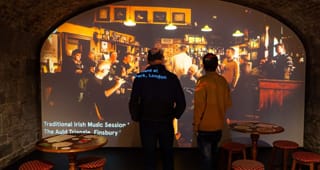
Case Studies
See how different spaces have been upgraded using projector screen paint to achieve high-performance projection results.

FAQ's
General Product Questions
What is ALR screen paint and how does it work?
ALR (Ambient Light Rejecting) screen paint is a specialised coating that turns a wall into a high-performance projection screen. It works by reflecting the projector’s light back to the viewer while reducing the impact of ambient light, resulting in improved contrast and a clearer image in brighter rooms.
Which surfaces can Ambient Light Rejecting Projector Screen Paint be applied to?
Ambient Light Rejecting Projector Screen Paint can be effectively applied to smooth surfaces such as plaster, wallboard, wood, metal, concrete, and composites. It can be applied to fixed fabric surfaces and used to refurbish old projector screens. However, it is not recommended for use on roll-up or retractable screens. It is intended for indoor use only; for outdoor applications, please refer to the outdoor projection paint.
What types of projectors are compatible with ALR screen paint?
The ALR Screen paint is designed for projectors with a brightness of over 2000 lumens.
Application & Usage
How do I use Ambient Light Rejecting Projector Screen Paint?
Once the paint is applied to your wall, the Ambient Light Rejection Projector Screen Paint is ready to apply as a projection surface 24 hours after it has completely dried. Simply set up your projector as required and direct it at the painted wall. We suggest ensuring your projector is calibrated appropriately. Refer to the owner's manual for further details.
Is the Ambient Light Rejecting screen paint compatible with blended projections?
Yes, Ambient Light Rejecting Paint is ideal for blended projections. Blending multiple projections onto a single surface requires precise colour fidelity, consistent brightness, and superior light diffusion. Our ALR paint is engineered with these elements in mind, enabling seamless, unified displays for art installations, theaters, and large presentations.
Unlike bulky physical screens, ALR paint offers a budget-friendly, adaptable solution for large-scale projection mapping. It transforms any wall into a professional blended-projection canvas without compromising image quality.
Does the ALR screen paint perform effectively with both 2D and 3D projectors?
Our complete selection of paints is suitable for both 2D and 3D projectors, providing excellent performance no matter the projection type. When a 3D image is projected onto the paint, it flawlessly conveys the desired effect, resulting in an engaging viewing experience when used with 3D glasses.
Surface Prep & Priming
Should I prime the surface before applying Projector Paints?
We suggest that ALR screen paint be applied over a surface that has been previously primed or painted. For bare, untreated surfaces, we recommend one coat of White Primer.
Cleaning & Maintenance
How can I maintain my ALR screen paint?
Ideally with compressed air which can be purchased in aerosol format or dab your surface slightly damp with warm water cloth.
How can I remove paint from my skin?
If it comes into contact with skin, simply rinse the affected area with warm, soapy water.
What should I do if I accidentally spill the paint?
Ambient Light Rejecting paint is water based so it can be cleaned using water.
Functionality & Performance
What does gain value mean?
Gain value measures how much light a screen reflects back to the viewer compared to a standard matte white surface (gain 1.0). Higher gain means a brighter image with a narrower viewing angle, while lower gain offers wider viewing angles with slightly reduced brightness.
Why is the gain vital for projector screens?
Gain influences both the brightness of the projected image and the quality of the viewing angles. It determines how effectively the screen reflects light and impacts the clarity and breadth of the viewing angle.
Does a higher gain ensure a better image?
No, a projector screen with a higher gain does not necessarily guarantee superior image quality. While it can yield a brighter image from certain angles, it may also result in reduced brightness from others. Typically, higher gain screens have a narrower viewing angle.
How can I find out the optimal gain for the projector screen?
The typical gain for a projector screen is 1.0, which guarantees consistent brightness across all angles and visibility from various perspectives. However, the best gain is determined by user preference and the particular environment. Additional factors to consider include ambient light conditions, projector specifications, and distance from the screen surface.
What’s the difference between high gain and low gain projector screens?
High gain screens reflect more light, producing brighter images that perform well in rooms with ambient light. However, they have a narrower viewing angle, meaning viewers need to sit directly in front for the best experience.
Low gain screens, on the other hand, provide a wider viewing angle and more consistent image quality across larger audiences. The trade-off is lower brightness and contrast, making them better suited for controlled lighting environments rather than bright or outdoor settings.
How does ALR Screen Paint Maintain Polarity?
3D projectors operate by displaying two slightly varied images that overlap on the screen. These images pass through unique optical filters, which polarize the light differently for each projection. When viewed through specialized 3D glasses, one lens blocks one image, allowing your left eye to perceive one image while your right eye sees the other.
Thus, the projection screen you use mustn't alter the polarity of the light when using a 3D projector. All of the paint products are "polarity preserving," meaning the image you observe will maintain the intended polarity, ensuring the full 3D effect is preserved.
Why Are the Projection Paints Acoustically Transparent?
Our projection paints do not affect sound performance. Tests show identical sound absorption levels (SAC 0.04-0.07) on both painted and unpainted surfaces, meaning sound passes through as normal without interference.
What is the ideal gain value for ALR projection paint?
The gain value for Ambient Light Rejecting screen paint is 0.71 at a 90° viewing angle.
Safety & Environmental
Is ALR paint safe to use?
ALR paint is entirely safe for application. It has very low VOC levels and is free of solvents, PFOA, PFOS, and isocyanates.
ALR paint complies with the most stringent environmental guidelines and has been independently certified for fire safety and VOC levels. As with any painting product, we advise wearing gloves during the application process.
Is ALR paint free of isocyanates?
Yes, ALR paint is completely devoid of isocyanates and solvents. Unlike some inferior products available, we do not incorporate isocyanates in the ALR paint or any of the offerings, as they are hazardous materials that should only be handled by trained professionals following strict safety protocols.
What personal protective equipment should I wear while painting?
Please use the gloves included in the kit when applying ALR paint. Also, safety goggles should be worn. As with any painting activity, ensure the area is well-ventilated.
Is ALR paint flammable?
No, ALR paint is non-flammable and has been certified for fire safety, making it suitable for use in schools and offices. It boasts a high flashpoint, exceeding 158 degrees Fahrenheit.
Can ALR paint be applied in the presence of people?
Yes, it is completely safe to apply ALR paint around adults and children, as it is certified VOC-free and has a low odour. The absence of isocyanates makes it very safe for use around individuals.
Featured Blogs
Explore insights, tips, and guides on improving projection quality in environments with normal to high ambient light.