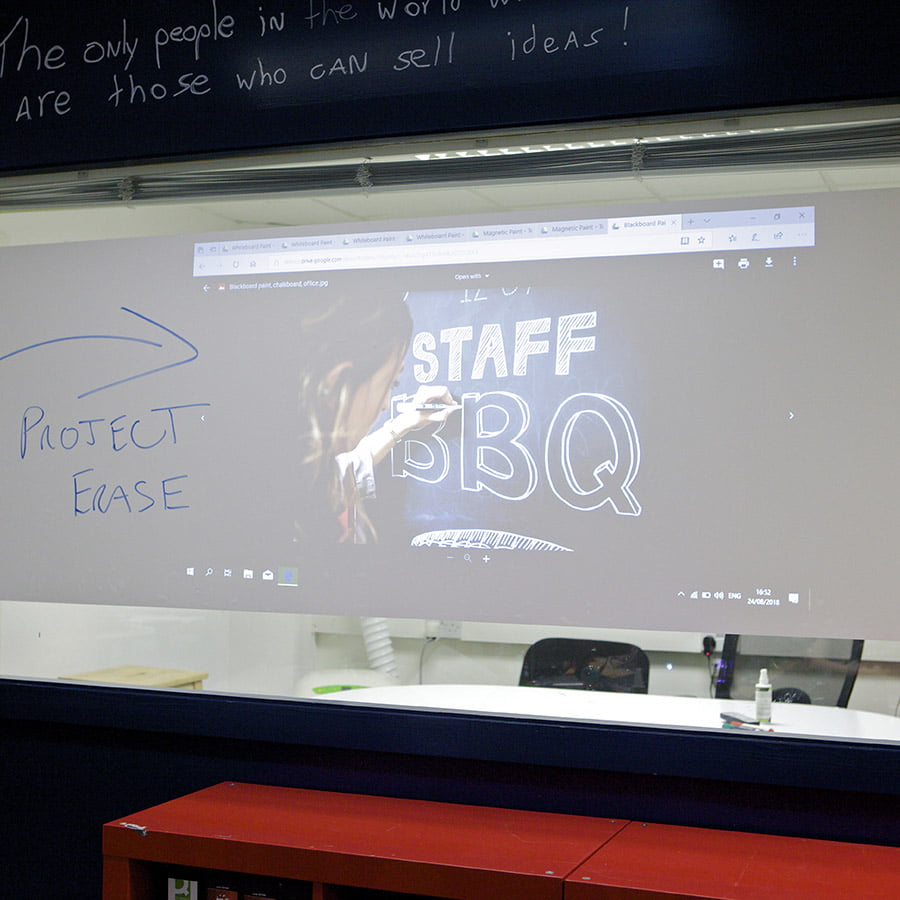
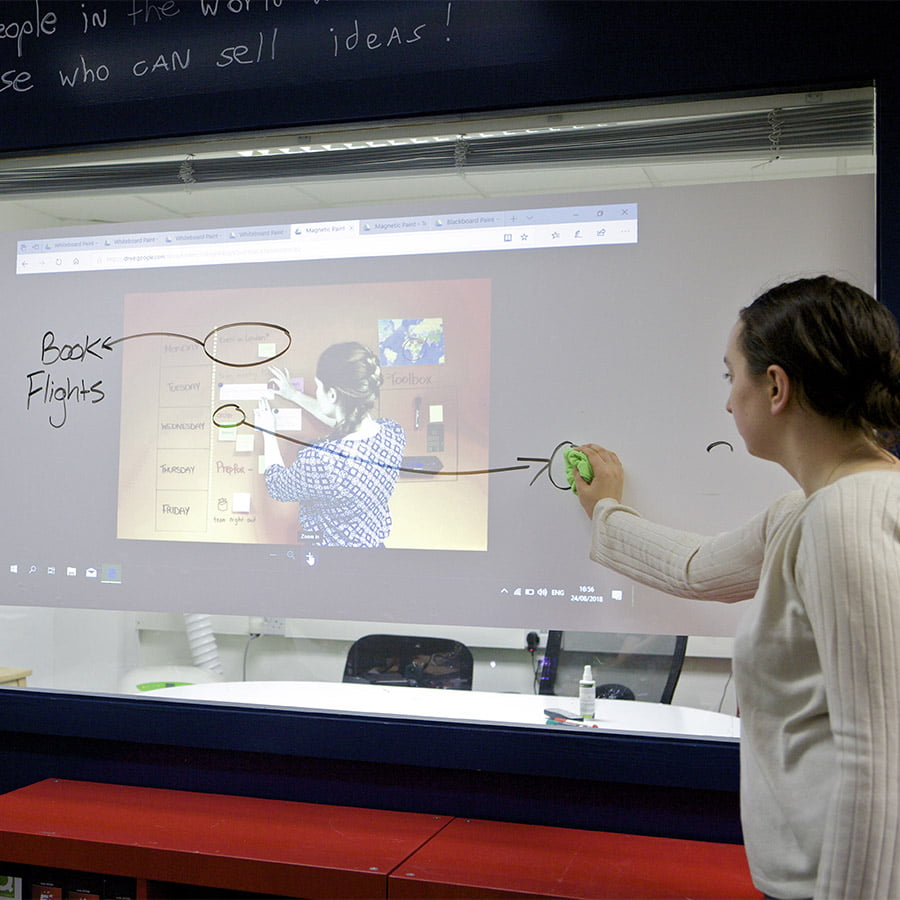
Projection Screen Whiteboard Film
From $156.00
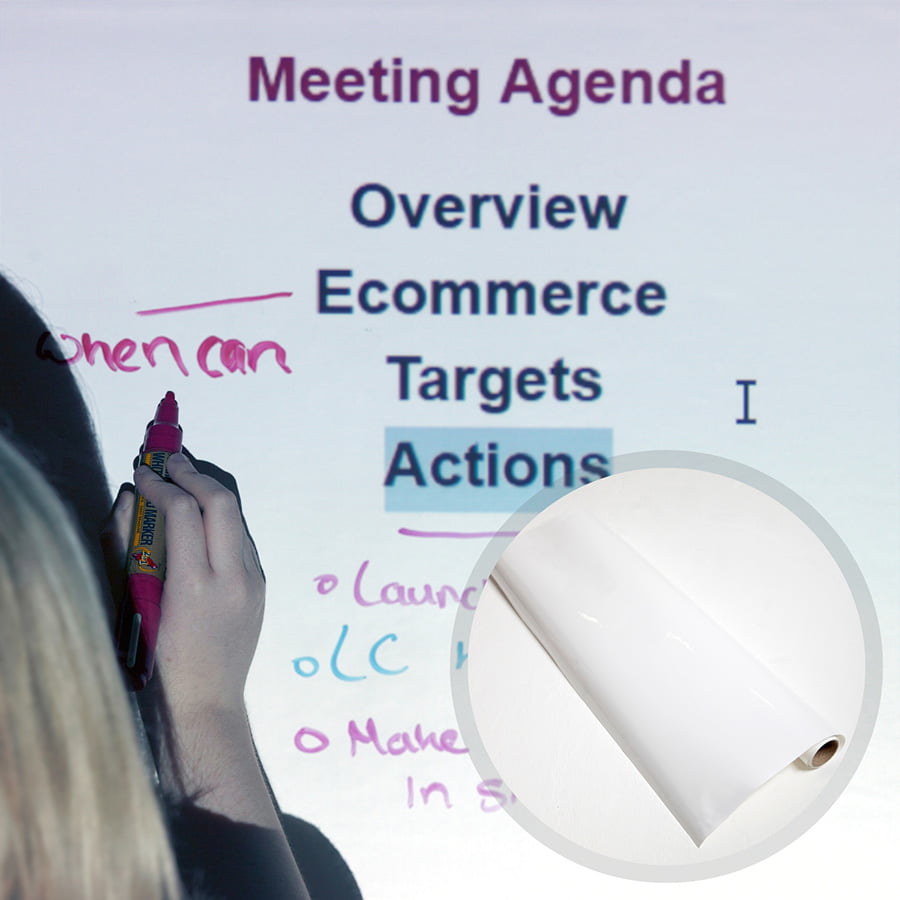
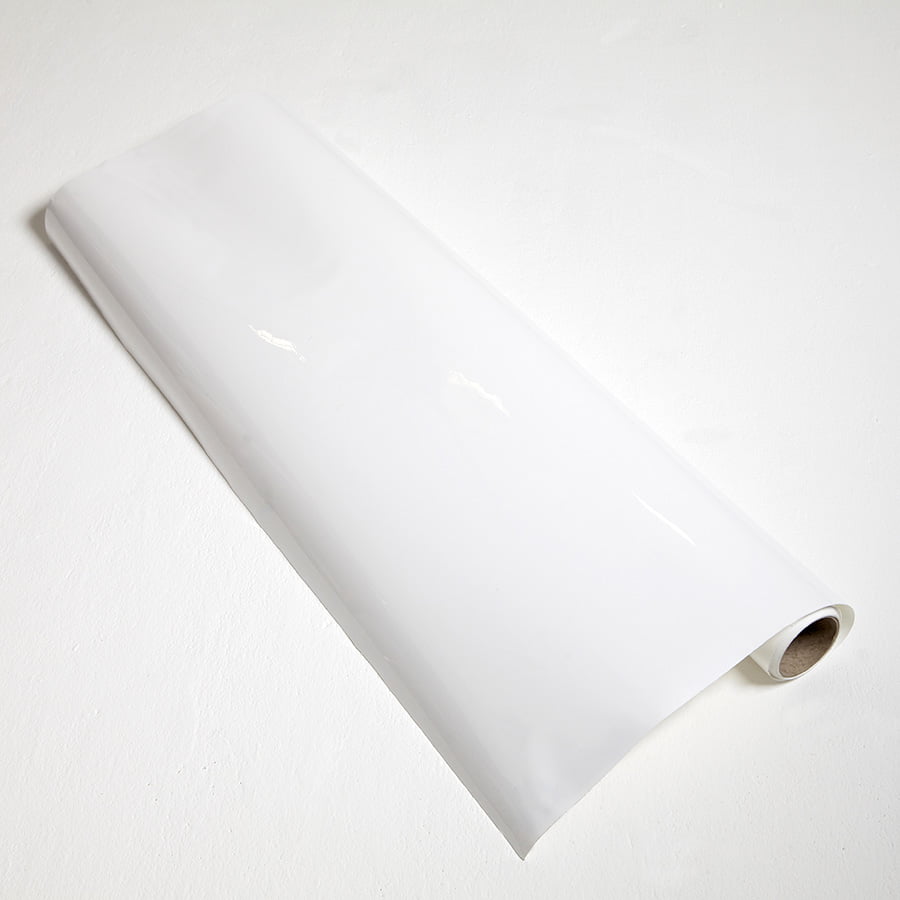
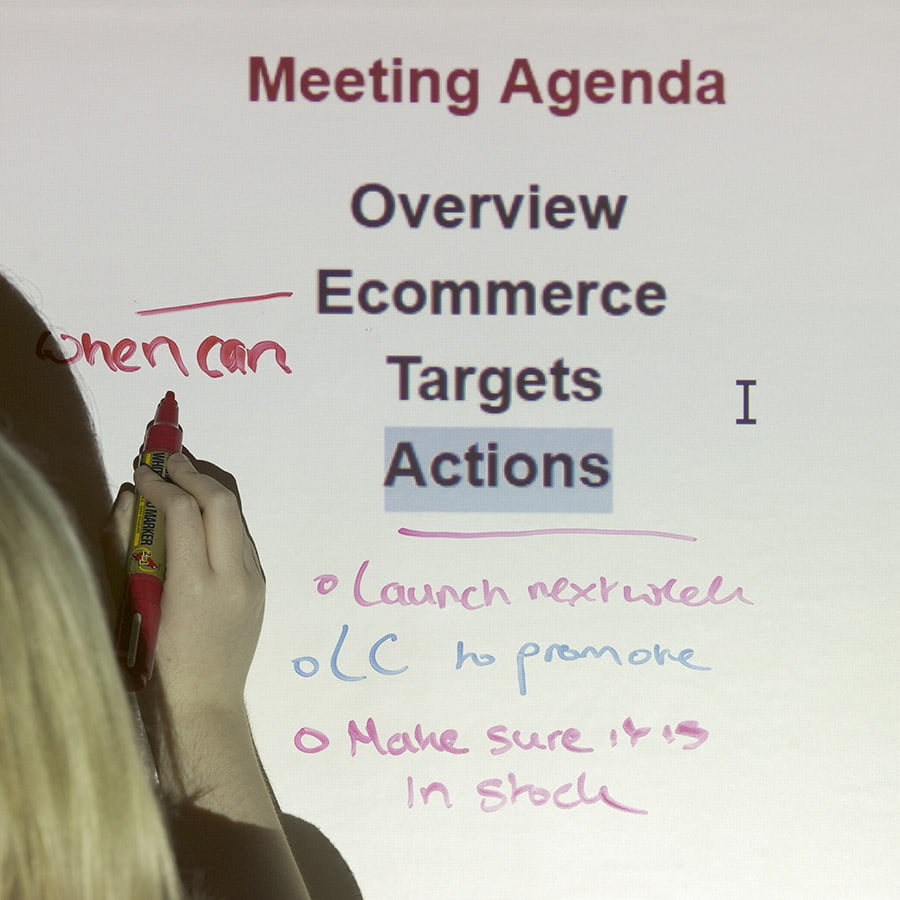
Projection screen whiteboard film transforms any smooth surface into a high-performance whiteboard projection screen, ideal for meetings, collaboration, and professional presentations.
5-Year Guarantee
2 in 1 Surface
Peel and Stick
Ready to Use Instantly
- Perfect for refurbishing worn-out whiteboards and blackboards.
- Combine a whiteboard and a projector screen in one surface.
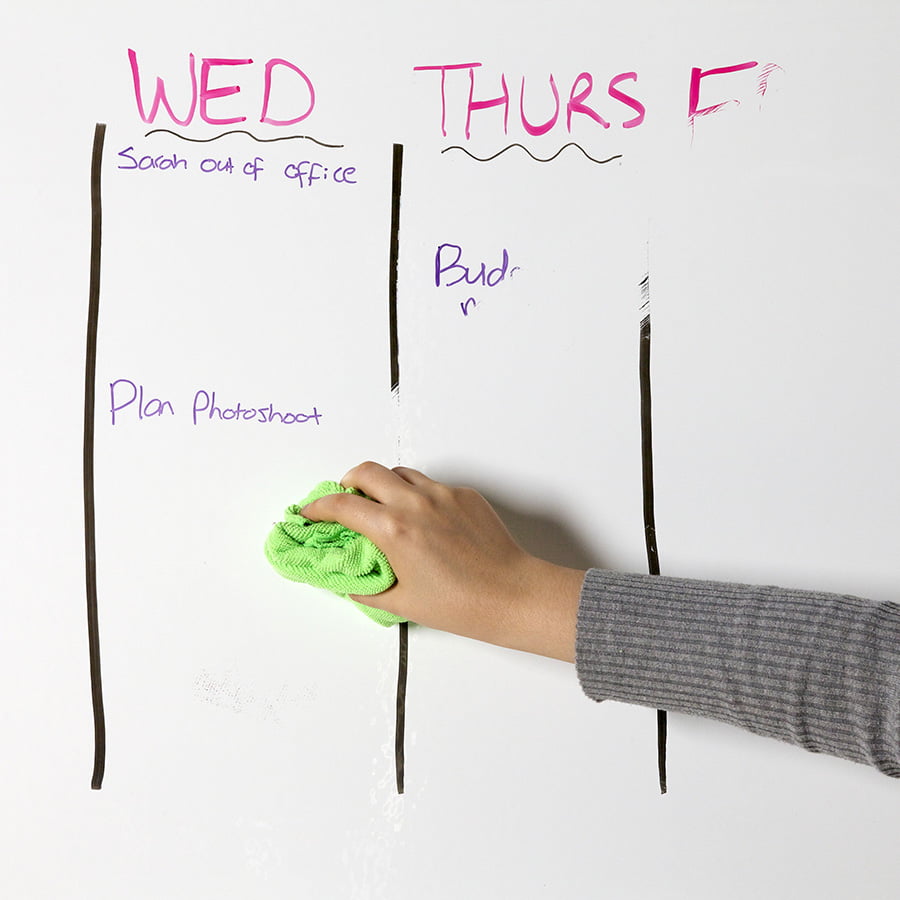
- Resistant to ghosting and staining with simple maintenance.
- VOC-free, solvent-free, and certified Class A fire-rated.
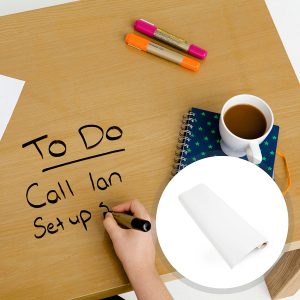
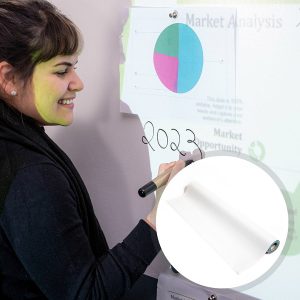
- Can be applied to furniture, desks, glass, partitions, and smooth areas.

Secured Transaction

Easy Returns

Free Shipping above CAD$164.00

Buy now, pay later with Stripe
If you are looking for this, you might also need…

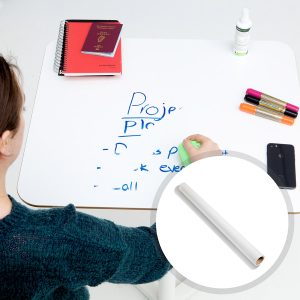
Why Choose Projection Screen Whiteboard Self Adhesive Film
Built to help you create a whiteboard projector screen without complicated installation or disruption.

Peel and Stick
Use this peel-and-stick projector whiteboard quickly without tools, mess, or downtime.

Dual Functional
Turn any surface into a projector screen with writing capability for smooth collaboration.

Transform Any Space
Upgrade walls or old boards into a projection screen whiteboard to enhance usability.

All-Projectors Friendly
Compatible with standard, 3D, 4K, interactive projectors for versatile usage.

Safe Indoor Formula
Designed to resist stains and ghosting while remaining VOC-free and safe for indoor use.
Technical Specifications
Color
White
Finish
Low Sheen Dry Erase
Odour
None
Material Thickness
.06”
Coverage / Dimensions:
- 107 sq ft / 4 ft × 26.67 ft
- 53 sq ft / 4 ft × 13.25 ft
- 21 sq ft / 4 ft × 5.15 ft
Gloss Measurement
41 GU at 60 degrees
Gain Value
1.1 at a viewing angle of 120 degrees
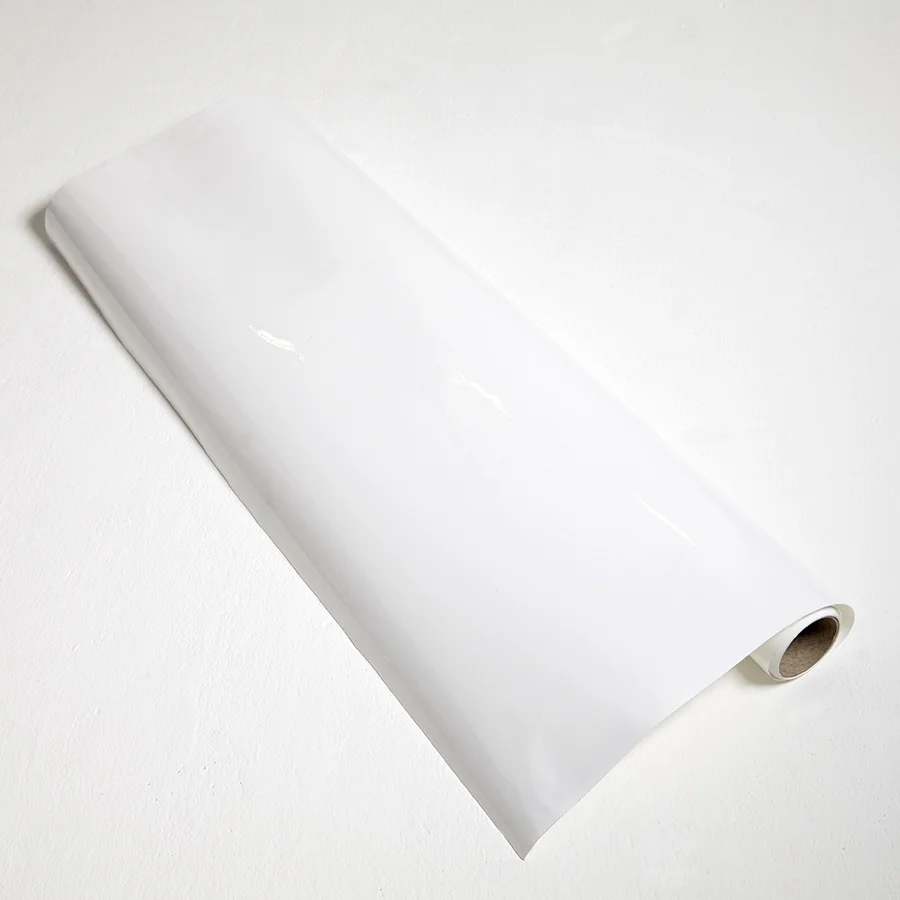
107 sq ft & 53 sq ft
- 1 x Projection Screen Whiteboard Film
- 1 x Surface Sticker
- 1 x Application Guide
- 1 x Wallpaper Spatula
- 1 x Pair of gloves
- 1 x Microfibre Eraser
21 sq ft
- 1 x Projection Screen Whiteboard Film
- 1 x Microfibre Eraser Cloth
- 1 x Application Guide

Certification
Independent Projection Performance Report – CREST, Independent certification for Fire ASTM E-84
Environmental
(exceeds all CA standards): VOC-free, solvent-free, PFOA & PFOS-free and isocyanate-free

Orders placed before 8:30 am ET (Monday-Friday) are processed the same working day. Orders placed after this time or during weekends will be processed on the next working day. Deliveries are handled by trusted third-party couriers, and all delivery times are estimated only.
Estimated Delivery (Working Days)
Canada:
- Express Delivery: 24-48 hrs
- Free Shipping on orders over CAD$164: 2-3 working days
View delivery times for other locations.
Use Cases

Offices
- Meeting rooms
- Desks and partitions
- Collaboration zones
- Boardrooms

Education
- Classrooms
- Training centres
- Learning spaces
- Lecture rooms

Home
- Home offices
- Creative spaces
- Learning areas
- Study rooms

Commercial
- Retail displays
- Exhibition spaces
- Interactive installations
- Showrooms
Not sure if Projection Screen Whiteboard Film is right for you?
Choose confidently with guidance from experts.
Create a whiteboard projection screen tailored to your needs. Smarter Surfaces experts can help you select the right projection solution.
How to Apply Projection Screen Whiteboard Film
Follow these steps to install your peel-and-stick projector whiteboard surface easily.

Step 1 - Prepare Surface
Make sure the surface is clean, smooth, and free of dust or debris.

Step 2 - Film Positioning
Measure carefully and leaving about 2 cm extra on each edge. Align the film before peeling the backing.

Step 3 - Peel & Stick
Peel off the backing 8-10 cm at a time and apply evenly while pressing to prevent air bubbles.

Step 4 - Smooth the Surface
Use a spatula to eliminate bubbles and trim edges at a 45° angle for a clean finish
Step 5 - Ready to Use
The surface is ready immediately after installation with no waiting time.
Watch Our Step-by-Step Video Application Guide
Suitable Surfaces
Transform any smooth surfaces into collaborative spaces
Walls & Wallboards
Glass & Partitions
Furniture & Desks
Existing Boards
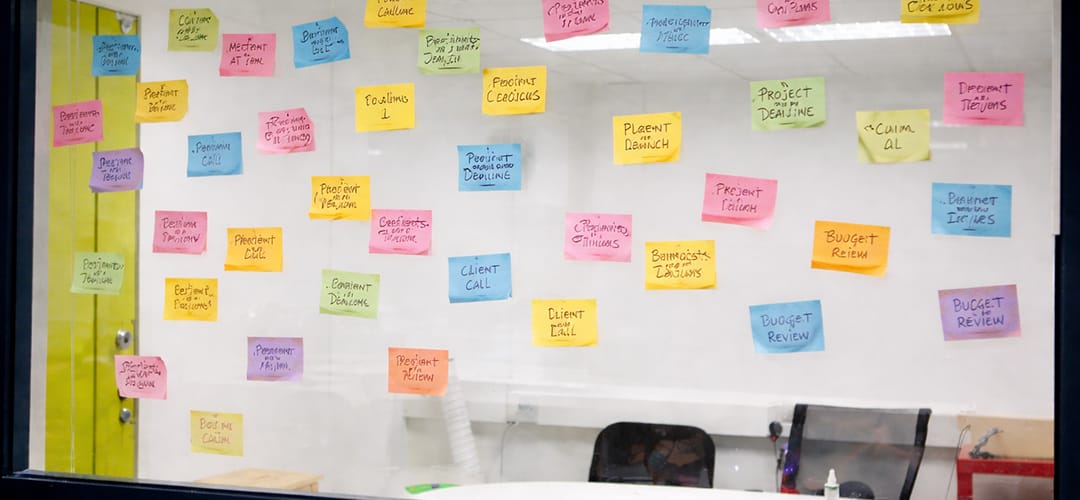
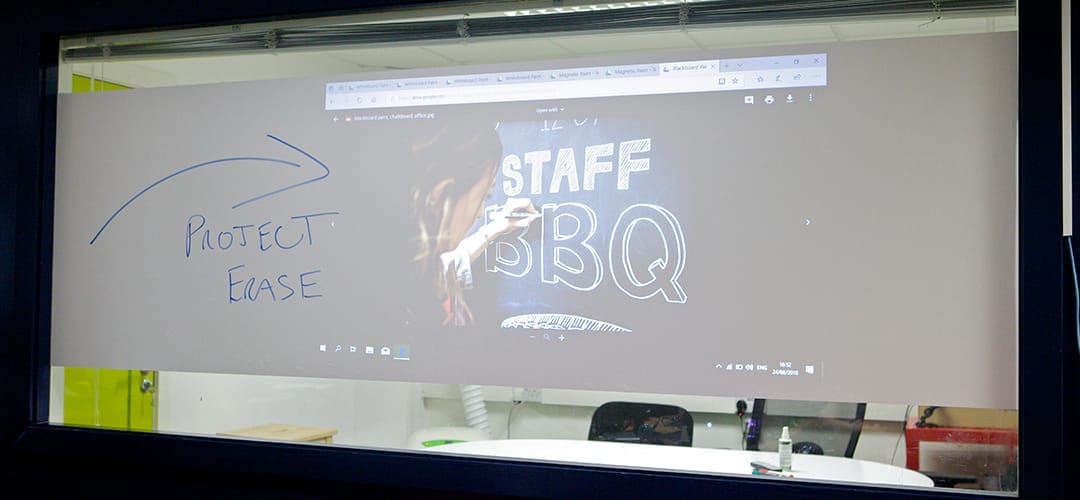
See the Transformation
See real results using projection screen whiteboard film.
Customer Testimonials
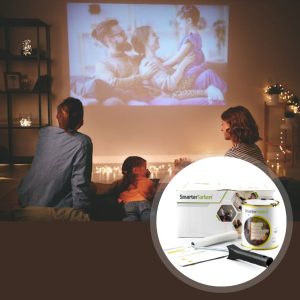
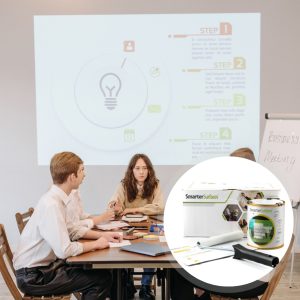
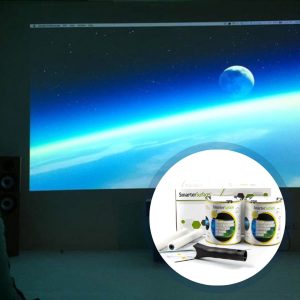
Discover how businesses, schools, and commercial environments use projection solutions for presentations and collaboration.

Case Studies
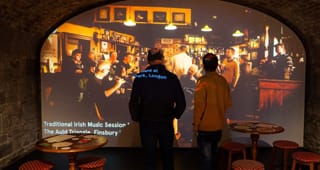
See how different spaces are transformed into interactive environments using Smarter Surfaces solutions.

FAQ's
General Product Questions
What office furniture can Projection Screen Whiteboard Film be added to?
Self-Adhesive Projection Screen Whiteboard Film is compatible with any smooth office furniture piece, including panels, desks, wall partitions, and lockers.
What are the different sizes of Projection Screen Whiteboard Film?
Projection Screen Whiteboard Film is available in 21 sq ft, 53 sq ft, and 107 sq ft sizes. Select the option that best fits your needs.
What accessories can be paired with Self Adhesive Projection Screen Whiteboard Film?
Self Adhesive Projection Screen Whiteboard Film can be used with any high-quality whiteboard accessories.
Application & Usage
How soon can I start using the Self Adhesive Projection Screen Whiteboard Film after applying it?
You can use the Projection Screen Whiteboard Film right away after application.
Is grout or adhesive required for the Projection Screen Whiteboard Film?
Since the Projection Screen Whiteboard Film is self-adhesive, it can be easily applied to any office furniture without additional adhesive.
Will the Self Adhesive Projection Screen Whiteboard Film shrink while applying?
No, this stick-on whiteboard product will not shrink during application.
Surface Prep & Priming
Is priming the surface necessary before applying the Projection Screen Whiteboard Film?
No, Smarter Surfaces Projection Screen Whiteboard Film is self-adhesive and does not need extra adhesive.
Cleaning & Maintenance
How should I clean and maintain a self-adhesive Projection Screen Whiteboard Film?
As is the case with any whiteboard surface, regular cleaning will help keep your whiteboard in good shape and maximize its effectiveness.
For general cleaning, use a dry microfiber cloth. Depending on usage, use a whiteboard cleaner occasionally to remove marker residue, which can be difficult to see but will accumulate over time, making erasing harder. Regular use of a standard dry erase cleaner will keep your whiteboard surface optimized.
If a permanent marker is accidentally used, it can be easily removed with a permanent marker remover.
Functionality & Performance
What is the best projector to use with Projection Screen Whiteboard Film?
Projection Screen Whiteboard Film works with most projectors, including standard, interactive, 3D, and 4K models. Some high-performance projectors may need a projection-specific surface to achieve optimal results. For this, explore Smarter Surfaces range of projection paints.
How can I ascertain the ideal gain for my dry erase board projector screen?
The standard gain for projector screens is set at 1.0, which guarantees uniform brightness from all angles and visibility from various positions. However, the optimal gain is dependent on personal preferences and the specific environment. Weigh the advantages and disadvantages of both high and low gain screens to find the best match for your requirements.
What are the ideal gloss levels/measurements of the Projection Screen Whiteboard Film?
The gloss measurement is 41 GU at 60 degrees for Self-Adhesive Projection Screen Whiteboard Film.
Can you use a whiteboard as a projector screen?
Yes, a whiteboard can be used, but image quality may be reduced. For clearer, brighter projections, you can upgrade a whiteboard with Projection Screen Whiteboard Film, which transforms a standard whiteboard into a writable projector surface.
Safety & Environmental
What PPE should we use when applying Projection Screen Whiteboard Film?
It is advisable to wear gloves while applying the Projection Screen Whiteboard Film. Complete health and safety guidelines are included on the label of every Smarter Surfaces™ product. Make sure to read these before applying.
Featured Blogs
Explore ideas and inspiration for creating whiteboard and projector screen spaces in offices, homes, and educational settings.